

Change palette via data layer
Business & Enterprise · See plansBeyond selecting and customizing a design palette manually, you can switch a Riddle's palette from the page it's embedded on, using the data layer – without editing the Riddle itself.
The most common use is matching the Riddle to your website's theme: detect whether your site is in light or dark mode and automatically load the matching palette. It's especially powerful together with Global publish settings, which apply data-layer and embed defaults to every Riddle in a project – so you can roll this out across all your Riddles at once.
Set it up
- In your Riddle, go to the Publish section and click on Data layer.
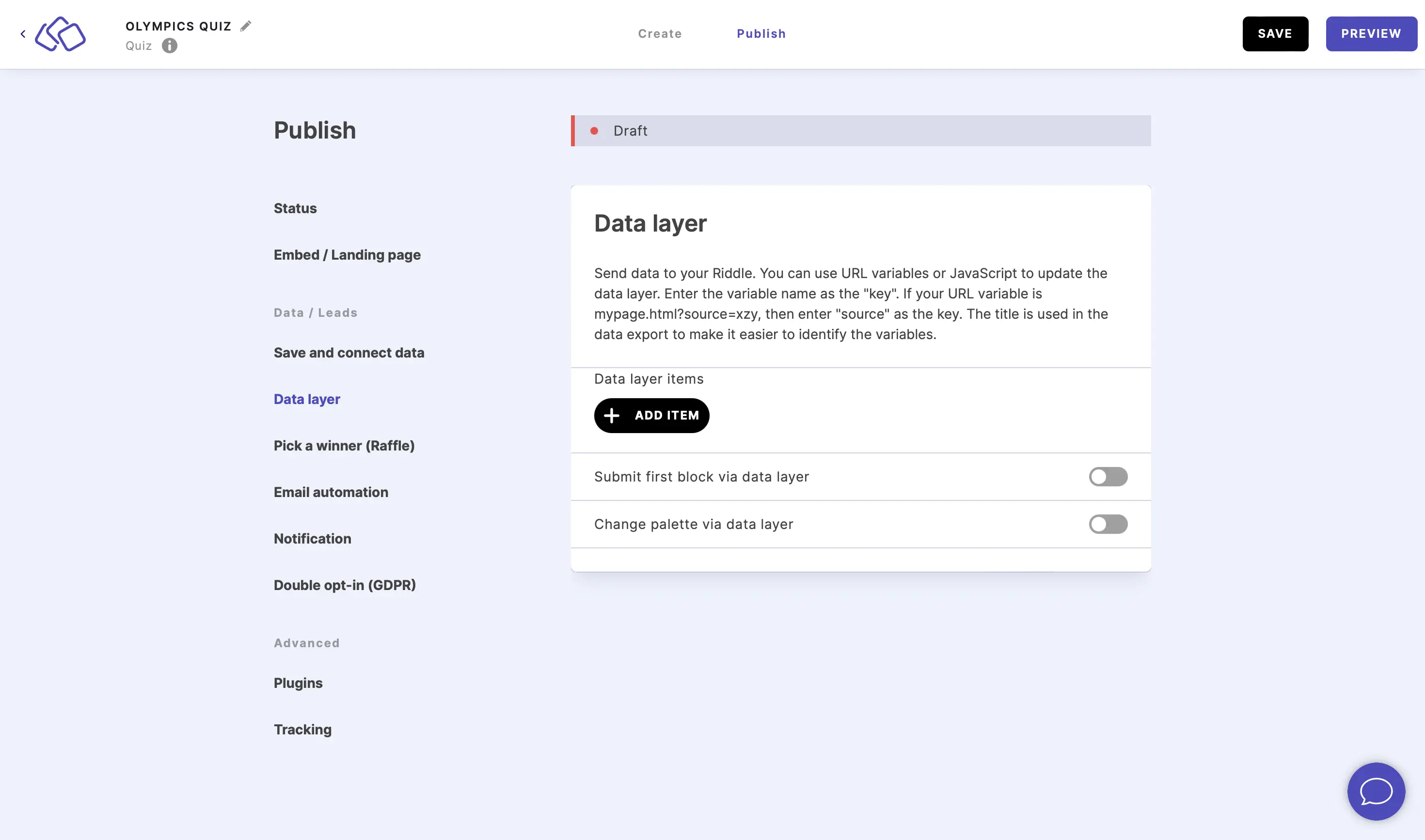
- Enable Change palette via data layer.
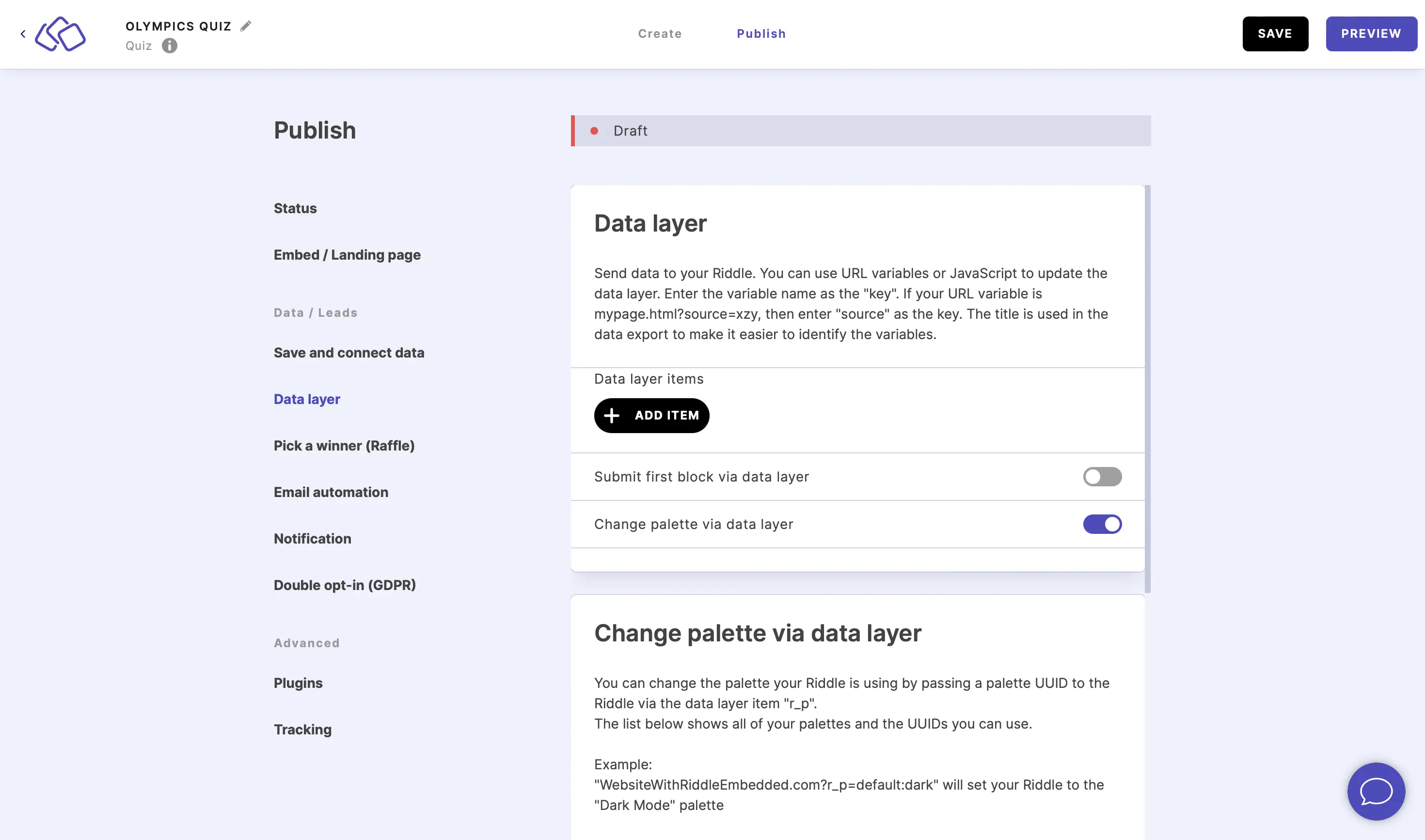
- In your embed's data layer, set the palette you want as the value of the
r_pitem.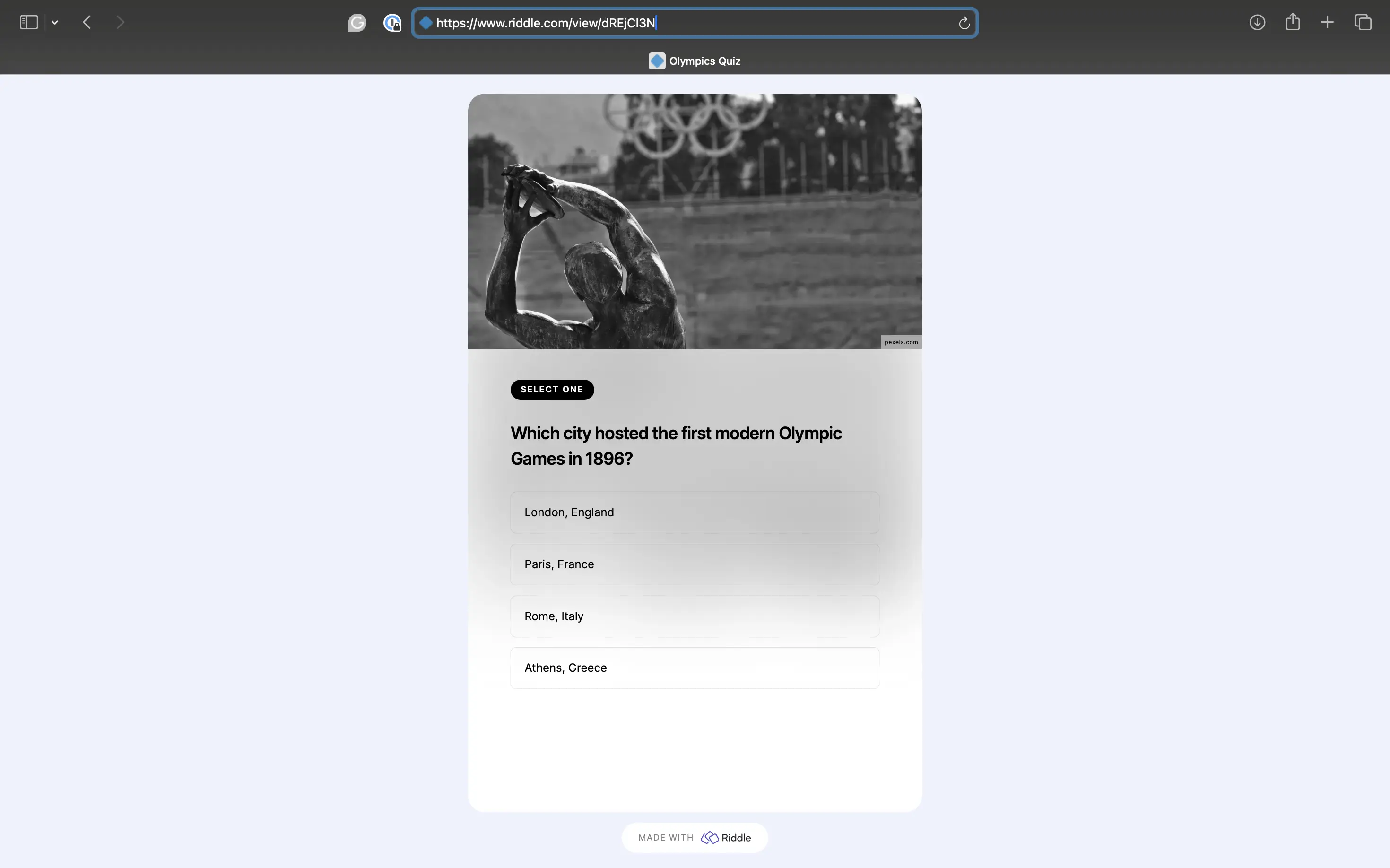
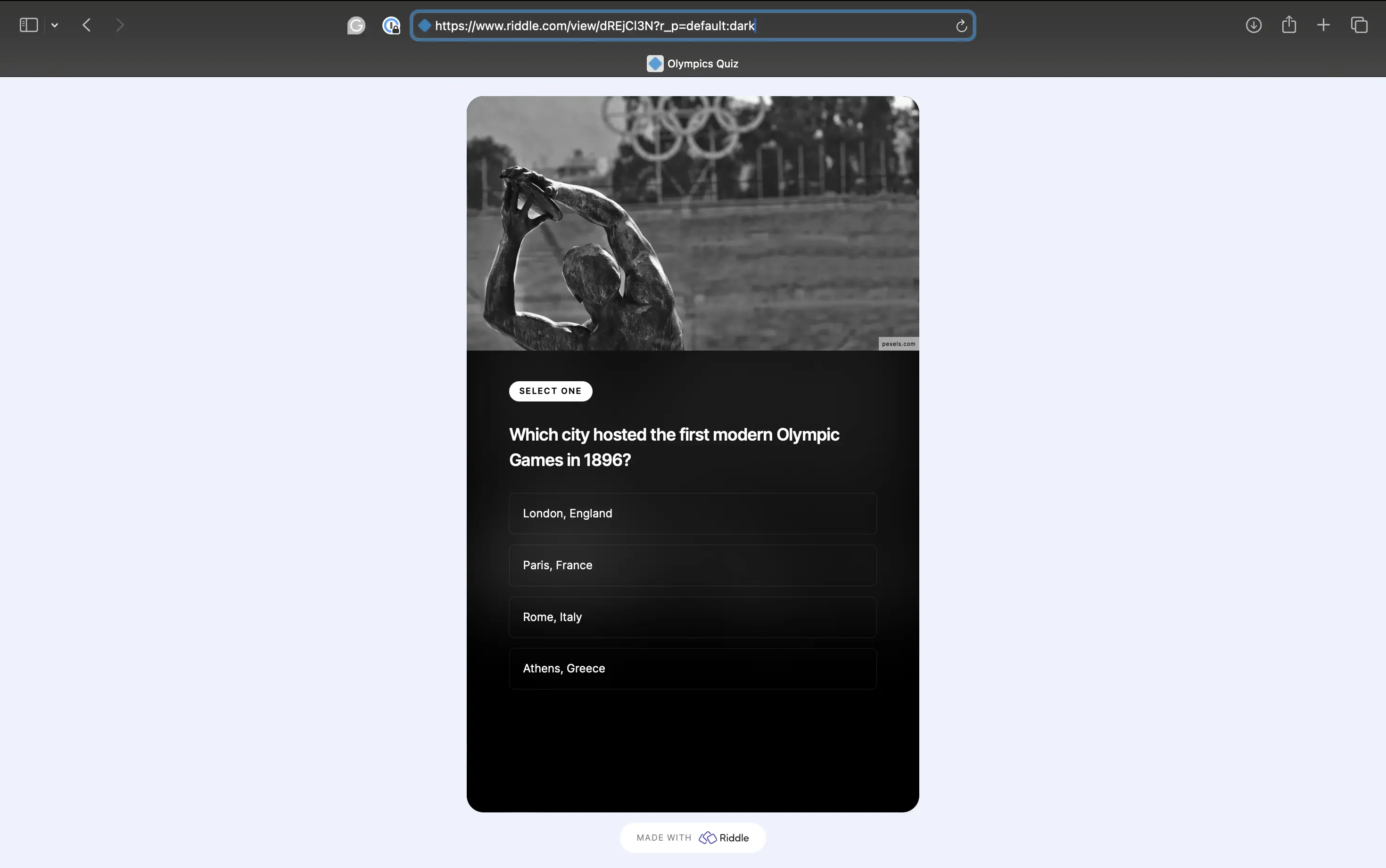
Reference a palette by name or UUID
The r_p value accepts either:
- The palette name – for example
Dark mode. Because palette names stay the same across projects, one global script (such as a site-wide "switch to dark mode") works for every Riddle that has a palette with that name. - The palette's UUID – the unique ID of one specific palette.
Use the name when you want a single script to work across many Riddles or projects; use the UUID to target one exact palette.
Name matching is forgiving – case, spaces, and special characters are all ignored, so every one of these resolves to the same palette:
DarkMode=Dark Mode=darkmode=dark mode=*?##dark MODEThat's what makes names ideal across projects: UUIDs are unique per project, but a name match doesn't care about formatting – so one global script (e.g. a site-wide "switch to dark mode") works for every Riddle that has a palette with that name.
Standard palettes
Every Riddle includes these standard palettes. Reference them by name, or with the value below:
| Palette name | Value after r_p |
|---|---|
| Dark mode | default:dark |
| Cool | default:cool |
| Forest | default:forest |
| Rocketship | default:rocketship |
| Peachy | default:peachy |
| Stagecoach | default:stagecoach |
| Accent | default:accent |
| Timeless | default:timeless |