

Leads and entries
In addition to other analytics, you can look at and download your lead / entry statistics for any leaderboard.
- In your leaderboard Riddle, click on the Analyze tab, and then click on Leads/Entries.
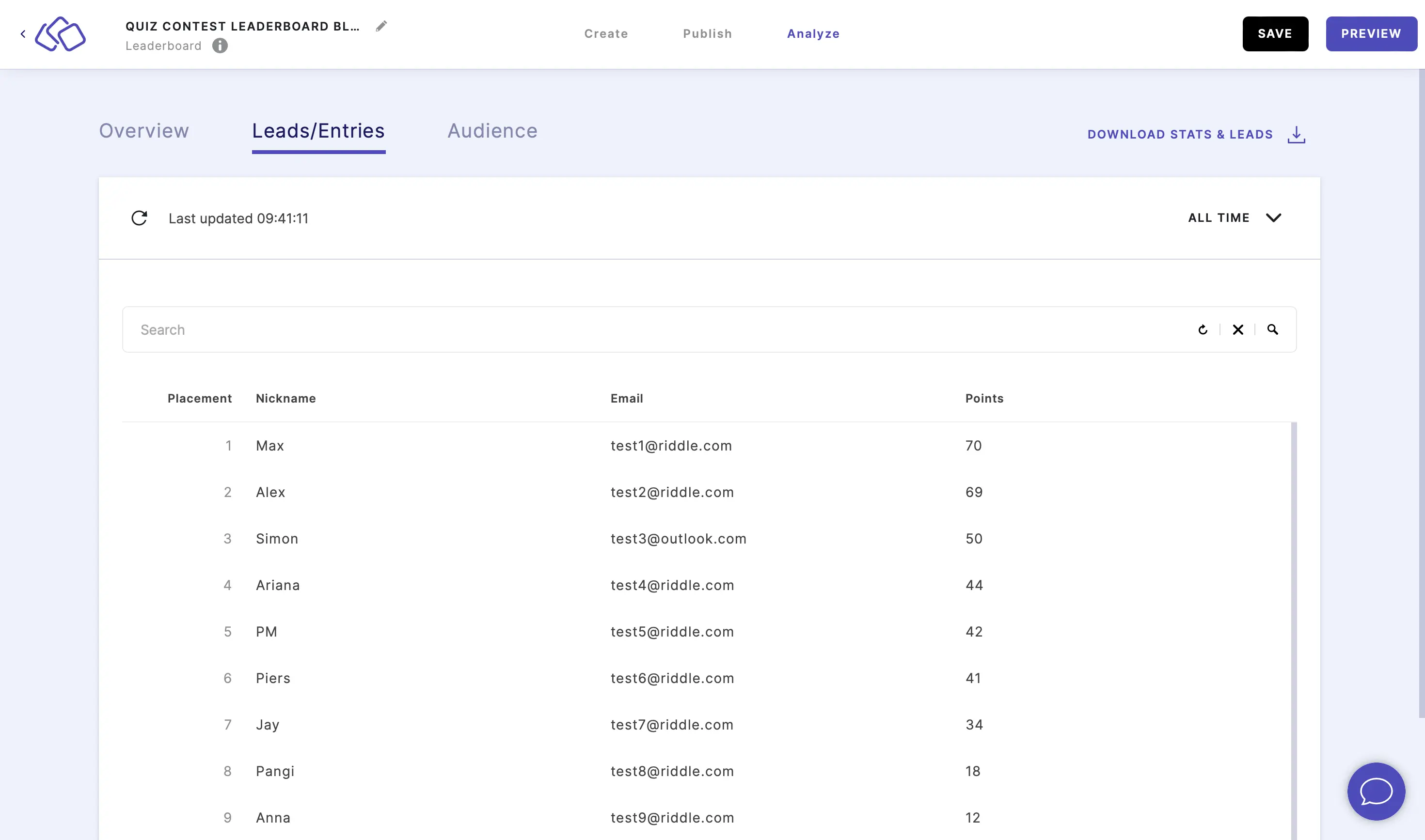
- You will see all the entries for the leaderboard as a scrollable table, with entries appearing in placement order, sorted by:
- placement
- nickname
- email address
- number of points
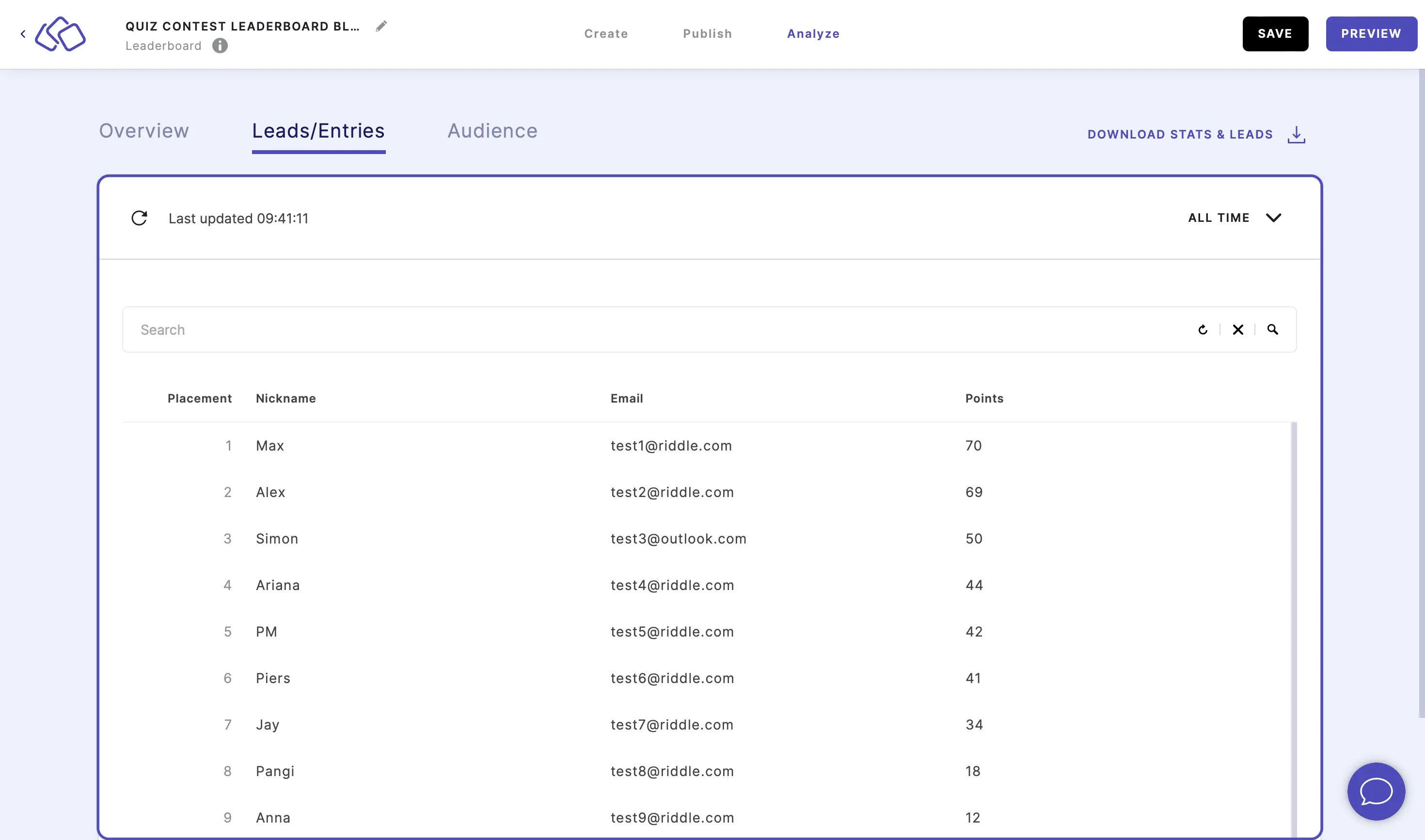
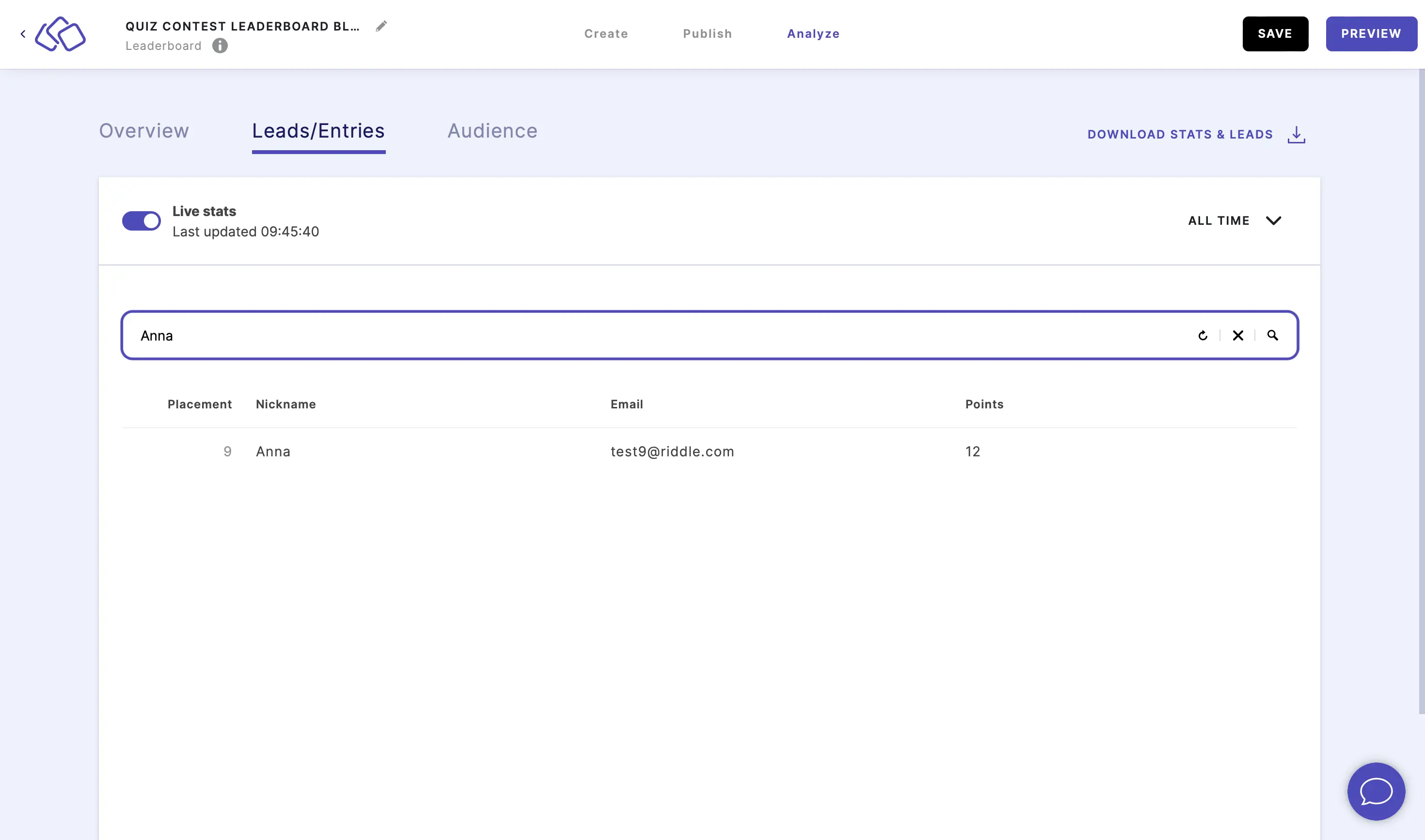
- Write a name in the Search field and click on the magnifiying glass icon or press Enter to find a specific entry and view only this entry.
Download leads
You can download all leaderboard entries in one file for easy analysis and lead management.
- In your leaderboard Riddle, click on the Analyze tab, and then click on Leads/Entries.
- Click on Download Leads.
Two export formats are available:
Clean export:- Contains only name and email fields
- Perfect for simple lead lists and email marketing
Detailed export:- Includes all audience data
- Contains a detailed breakdown of how each person's score is calculated
- Shows individual question scores, time taken, and other scoring details
- Ideal for deeper analysis and understanding audience performance
- Select your preferred export format and click on Download.
The file will be downloaded as a CSV file that you can open in Excel, Google Sheets, or any spreadsheet application. - For other analytics, go to the Analyze help guides.