

Quiz blocks overview
There are 10 quiz blocks you can add to a Riddle quiz: Single-select, Multi-select, Tap and find, Order it, Type the answer, Spot the difference, Flashcard, Typerush, Guess it, and Question Bank. You can combine as many of them as you like in a single quiz, and mix them with general blocks such as forms, text input, and prompts.
Quiz blocks at a glance
| Block | What your audience does | Best for |
|---|---|---|
| Single-select | Selects exactly one answer | Classic knowledge questions with one right answer |
| Multi-select | Selects one or more answers | Questions with several correct answers |
| Tap and find | Taps hidden hotspots on an image | Maps, diagrams, and "find the object" questions |
| Order it | Puts items into the correct order | Timelines, rankings, and sequences |
| Type the answer | Types one answer into a free text box | Recall instead of recognition, fill-in-the-blank |
| Spot the difference | Finds the differences between two images | Visual attention challenges |
| Flashcard | Flips cards at their own pace | Self-directed learning and revision |
| Typerush | Types as many answers as they can for one category | Fast, competitive category rounds |
| Guess it | Guesses a person, place, or thing from a blurred image and clues | Reveal-style guessing games |
| Question Bank | Answers a random selection from a pre-built database | Keeping a quiz fresh on a schedule |
Every block below can carry its own image, GIF, video, or audio file, an optional hint, and answer explanations.
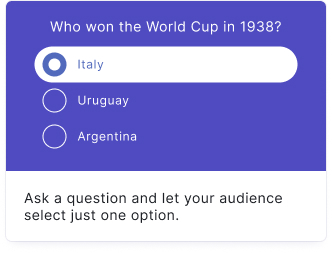
Single-select
Ask a question and let your audience select just one answer.
Learn more about the Single-select block
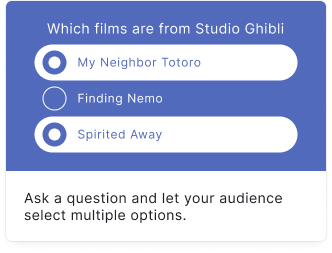
Multi-select
Ask a question and let your audience select one or more answers.
Learn more about the Multi-select block
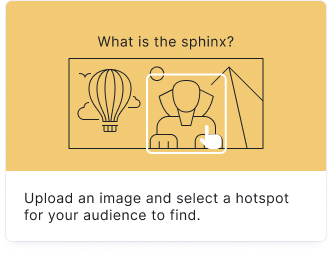
Tap and find
Upload an image and let your audience find the hidden hotspots.
Learn more about the Tap and find block
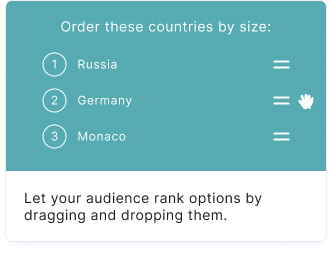
Order it
Let your audience put items in the correct order.
Learn more about the Order it block
Type the answer
Ask a question and let your audience type the answer in a free text box.
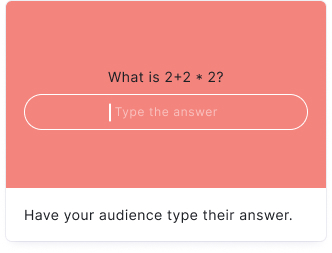
Learn more about the Type the answer block
Spot the difference
Upload two images and let your audience find the differences between them.
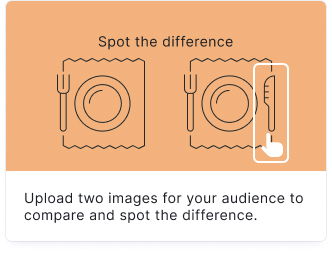
Learn more about the Spot the difference block
Flashcard
Encourage self-directed learning with interactive flashcards.
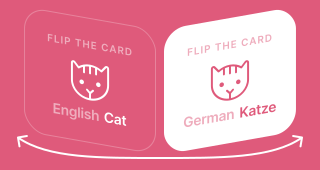
Learn more about the Flashcard block
Typerush
Ask a categorical question and let your audience type as many answers as they can.
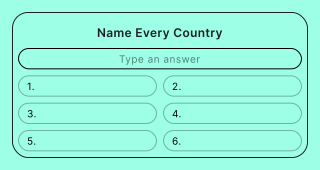
Learn more about the Typerush block
Guess it
Your audience guesses a person, place, or thing from a blurred image and clues.
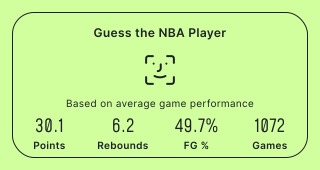
Learn more about the Guess it block
Question Bank
Automatically show a random selection of questions from a pre-built database.
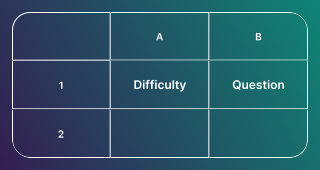
Learn more about the Question Bank block
Frequently asked questions
How many quiz blocks does Riddle offer?
Riddle offers 10 quiz blocks: Single-select, Multi-select, Tap and find, Order it, Type the answer, Spot the difference, Flashcard, Typerush, Guess it, and Question Bank. There is no limit on how many blocks a single quiz can contain.
Can I mix different block types in one quiz?
Yes. You can combine any of the 10 quiz blocks in a single quiz, in any order, and add general blocks like forms, personal details, text input, or prompts between them.
Which quiz block should I use for free text answers?
Use Type the answer when there is one correct answer your audience should recall, and Typerush when you ask a categorical question and want your audience to type as many answers as they can.
Which quiz blocks are image-based?
Tap and find (find hotspots in one image), Spot the difference (compare two images), and Guess it (identify a blurred image from clues) are built around images. Every other block can also show an image, GIF, video, or audio file.
Which quiz block is best for learning and revision?
The Flashcard block, which lets your audience work through cards at their own pace. Combine it with Remember users via cookies in the general settings so returning visitors continue at their next unanswered card.
How do I reuse the same questions across several quizzes?
Build a Question Bank once and add the Question Bank block to any quiz. It pulls a random selection of questions from that database and re-draws it on the refresh interval you set, so your quiz can show new questions every hour or day.
Can I change a block type after I have built it?
Yes, for some block types. Click the three dots next to the block title and choose CONVERT TO to keep the content you already wrote. See Convert blocks for which conversions are possible.