

Single sign-on
Enterprise · See plansSingle sign-on (SSO) lets your team log in to Riddle through your company's identity provider (IdP) instead of a Riddle password. Your IT department keeps control over who can access Riddle, your existing multi-factor authentication applies, and leavers lose access the moment their company account is disabled. Riddle supports SAML 2.0 and OAuth 2.0 / OpenID Connect (OIDC), so SSO works with any standards-compliant identity provider, including:
- Microsoft Entra ID (Azure AD)
- Okta
- OneLogin
- Auth0
- Google Workspace
- Keycloak
Use cases:
- Central user management: everyone logs in with the company account they already have; no separate Riddle passwords to manage or reset.
- Security policies applied to Riddle: your MFA, password and device rules apply to Riddle automatically.
- Clean offboarding: disabling a user in your identity provider ends their access to Riddle.
Good to know: Our team sets SSO up for your organization – there is nothing to configure in the Riddle Creator yourself.
How login with SSO works
Login always starts at Riddle (SP-initiated):
- The user clicks on LOG IN on Riddle.com and enters their email address.
- Riddle redirects them to your identity provider.
- They sign in there, with multi-factor authentication if your identity provider requires it.
- Your identity provider sends them back to Riddle, which identifies them by their email address and logs them in.
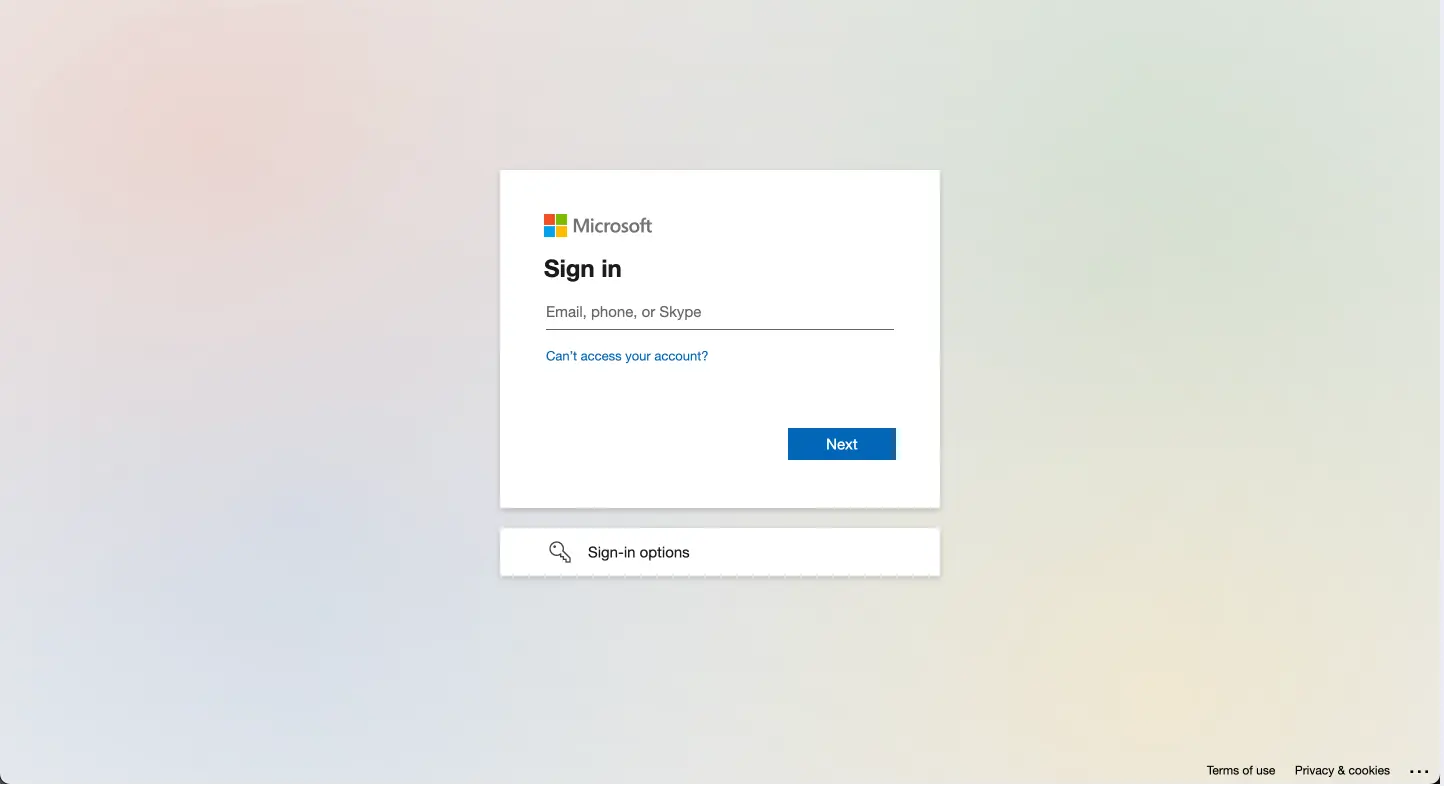
See Log in to Riddle for the login steps from a user's point of view.
Supported protocols
| SAML 2.0 | OAuth 2.0 / OpenID Connect | |
|---|---|---|
| Login flow | SP-initiated – Riddle redirects users to your identity provider | SP-initiated – Riddle redirects users to your identity provider |
| How Riddle verifies the login | Assertions must be signed. Riddle checks the signature against your X.509 certificate and validates the issuer. | Authorization Code flow with your client ID and client secret |
| Binding | HTTP-POST | – |
| User identification | Email address, from the email attribute of the assertion | Email address |
What changes for your users
- Every user needs a seat first. Riddle does not create accounts on the first SSO login. Each user must already have a seat on your organization's Riddle account, with the same email address as in your identity provider. Just-in-time provisioning and SCIM are not supported.
- No more password login. Once SSO is enabled for your organization, password login is disabled for its users. Every login goes through your identity provider.
- MFA is handled by your identity provider. Your existing multi-factor authentication policies apply to Riddle automatically.
How the setup works
SSO is set up together with our team. This is what happens on each side:
- You contact us via the support chat or via email and let us know which protocol you want to use, SAML 2.0 or OpenID Connect.
- Riddle sends you your organization ID. You need it for the callback URL in the next step.
- You register Riddle as an application in your identity provider, using the values for your identity provider below.
- You send us the details of your identity provider, listed under Details we need from you.
- Riddle configures SSO for your organization and lets you know when it is active.
- Your users log in via SSO from then on. Make sure every user has a seat with the same email address as in your identity provider before SSO is activated.
Values for your identity provider
| Setting | Value |
|---|---|
| ACS URL (SAML) / Redirect URI (OIDC) | https://www.riddle.com/creator/auth/sso/callback/<your-organization-id> |
| SP Entity ID (SAML, if your identity provider asks for one) | https://www.riddle.com/creator/auth/sso/metadata |
| SAML binding | HTTP-POST |
| Required SAML attribute | email – the user's email address |
Replace <your-organization-id> with the organization ID you received from us.
Details we need from you
SAML 2.0:
- The SSO URL (sign-in URL) of your identity provider
- The entity ID (issuer) of your identity provider
- The X.509 certificate used to sign the assertions
OAuth 2.0 / OpenID Connect:
- Client ID and client secret
- Authorization endpoint
- Token endpoint
- Userinfo endpoint
Don't send a discovery URL. For OIDC, Riddle uses the three endpoints directly. A discovery or issuer URL (such as
/.well-known/openid-configuration) is not used, so please send the endpoints themselves.
Next steps
- Log in to Riddle – how your users log in once SSO is active.
- Your user seats – give every colleague a seat before you enable SSO.
- All subscription plans – explained – everything included in the Enterprise plan.