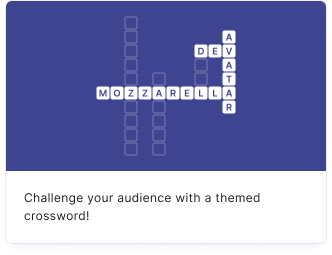
Challenge your audience with a themed crossword puzzle. Crosswords are great for educational content, themed challenges, and keeping audiences engaged with word-based puzzles.
- Click on ADD A BLOCK and select Crossword.
- Enter a title and description, and add an image by clicking on Add image, GIF, or video/audio file (all optional).
- Under Minigame, use the slider to determine the grid size of your crossword (5-15). Smaller grids are harder to fill than big ones.
- Click on Add word to add words to your grid. For each word, you need to specify the word, clue, and word direction.
- Added words will appear in the right sidebar. You can drag them into the grid. Any conflicting letters or word intersections will be marked in red. Empty cells will show as black fields in the finished crossword.
Click on the options icon on the right to configure the following settings.
| Option | Description | Default |
|---|
| Show media | Toggle to show or hide the block's main image. | ON |
| Option | Description | Default |
|---|
| Score | The number of points awarded for completing the crossword. | 1 |
| Option | Description | Default |
|---|
| Show success message | Display a message to your audience once they finish the crossword. | ON |
| Show success message media | Add an image or video to the success message. | OFF |
| Option | Description | Default |
|---|
| Show rules to user | Display a "How to play" overview explaining how to navigate crosswords. | OFF |
| Highlight current word | Highlight the currently selected row or column while your audience is solving the crossword. | ON |
| Allow guess-checking | Let your audience check whether their entered letters are correct. | ON |
| Allow auto-checking all letters | Let your audience auto-check all entered letters at once. | ON |
| Allow answer-revealing | Let your audience reveal the correct answer for a selected word. | ON |
| Highlighted word color | The color used to highlight the currently selected row or column. | Yellow |
| Highlighted cell color | The color used to highlight the currently selected cell. | Light blue |

