

Single-select
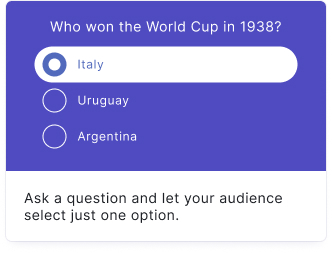
Your audience picks one answer from a list of choices. The most common poll block, ideal for quick audience votes and opinion gathering.
Setup
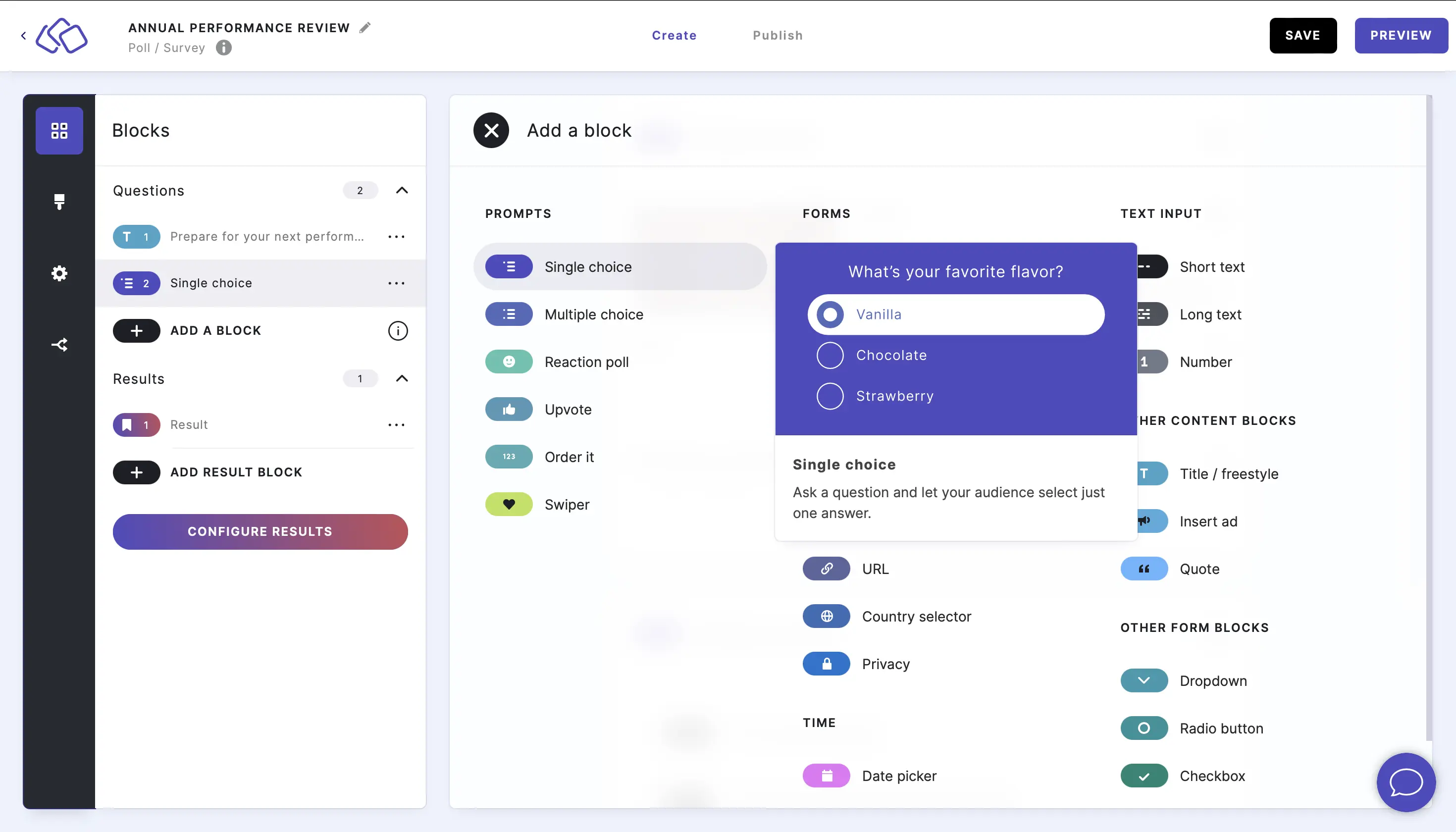
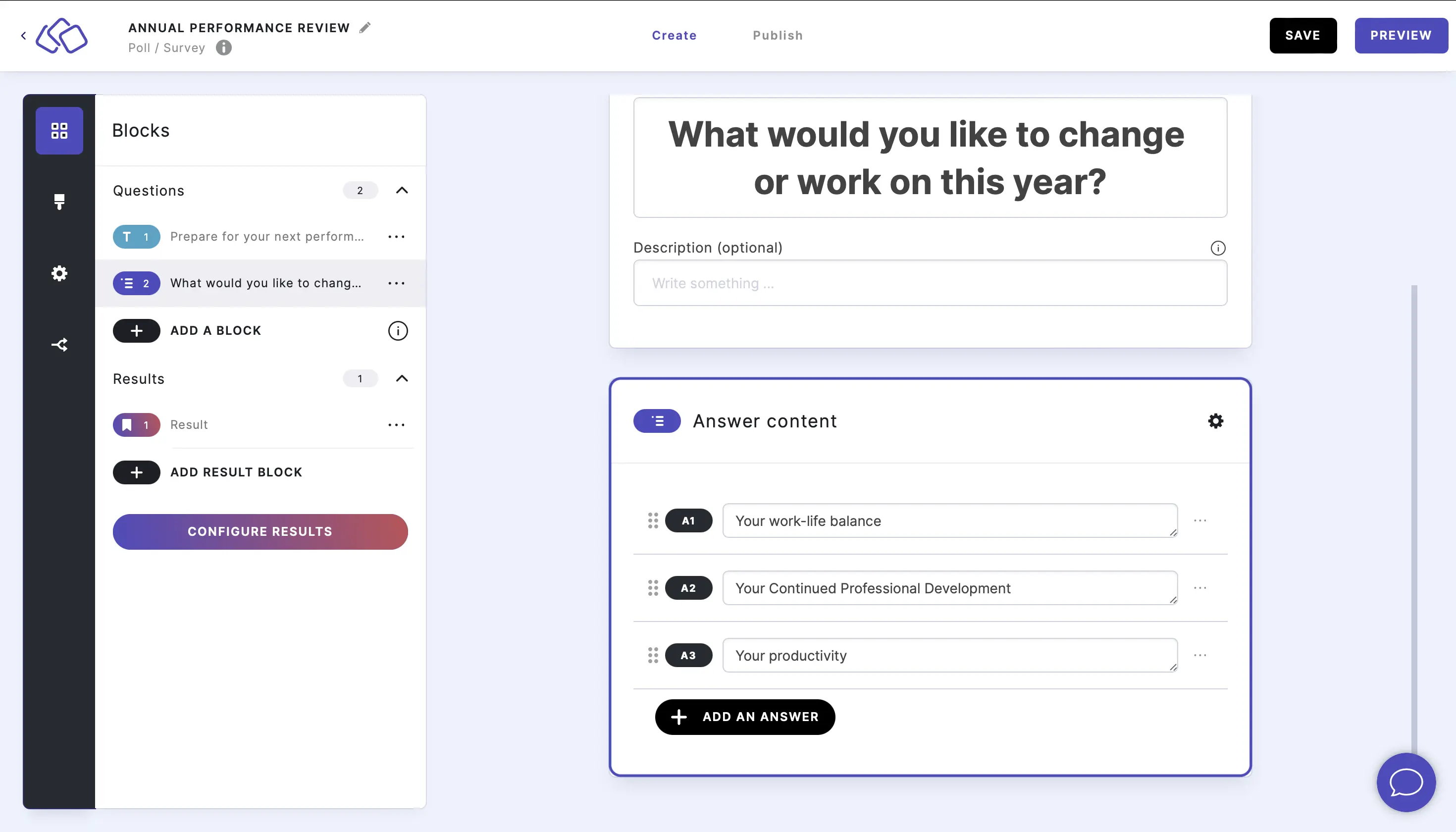
- Click on ADD A BLOCK and select Single-select.
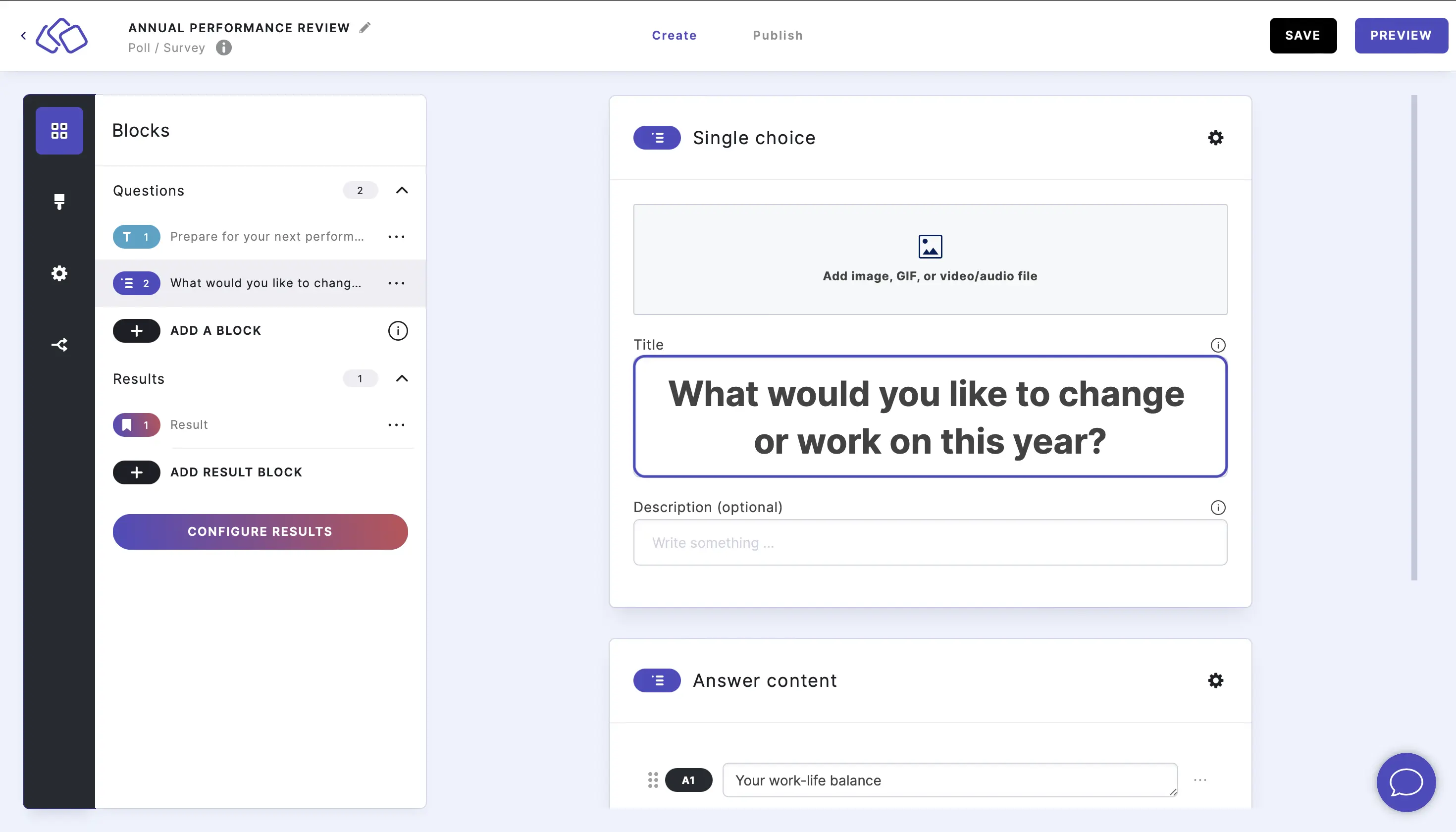
- Insert a question into the Title field.
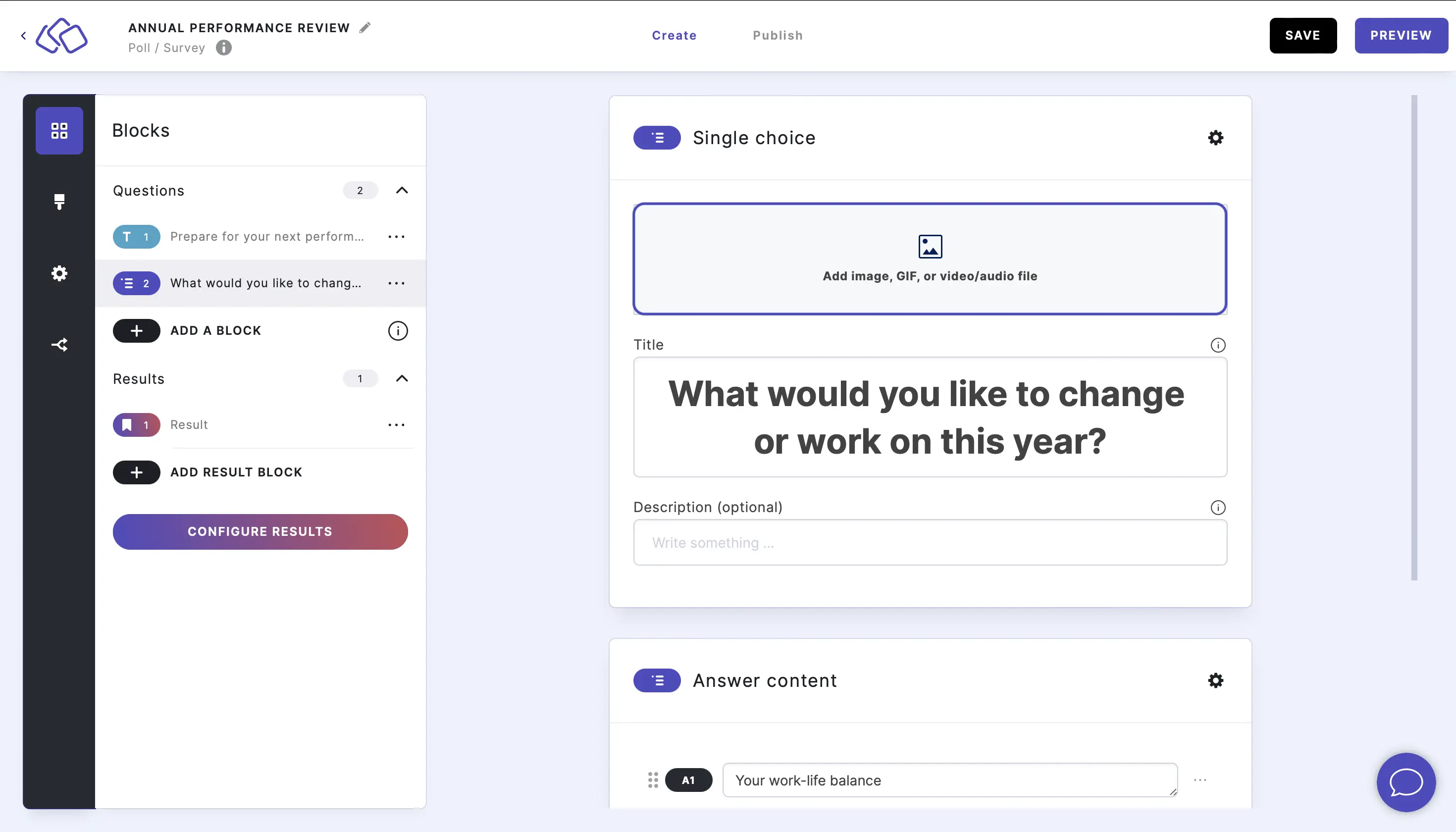
- Add an image by clicking on Add image, GIF, or video/audio file.
- Insert the answers into the Answer content fields.
Options
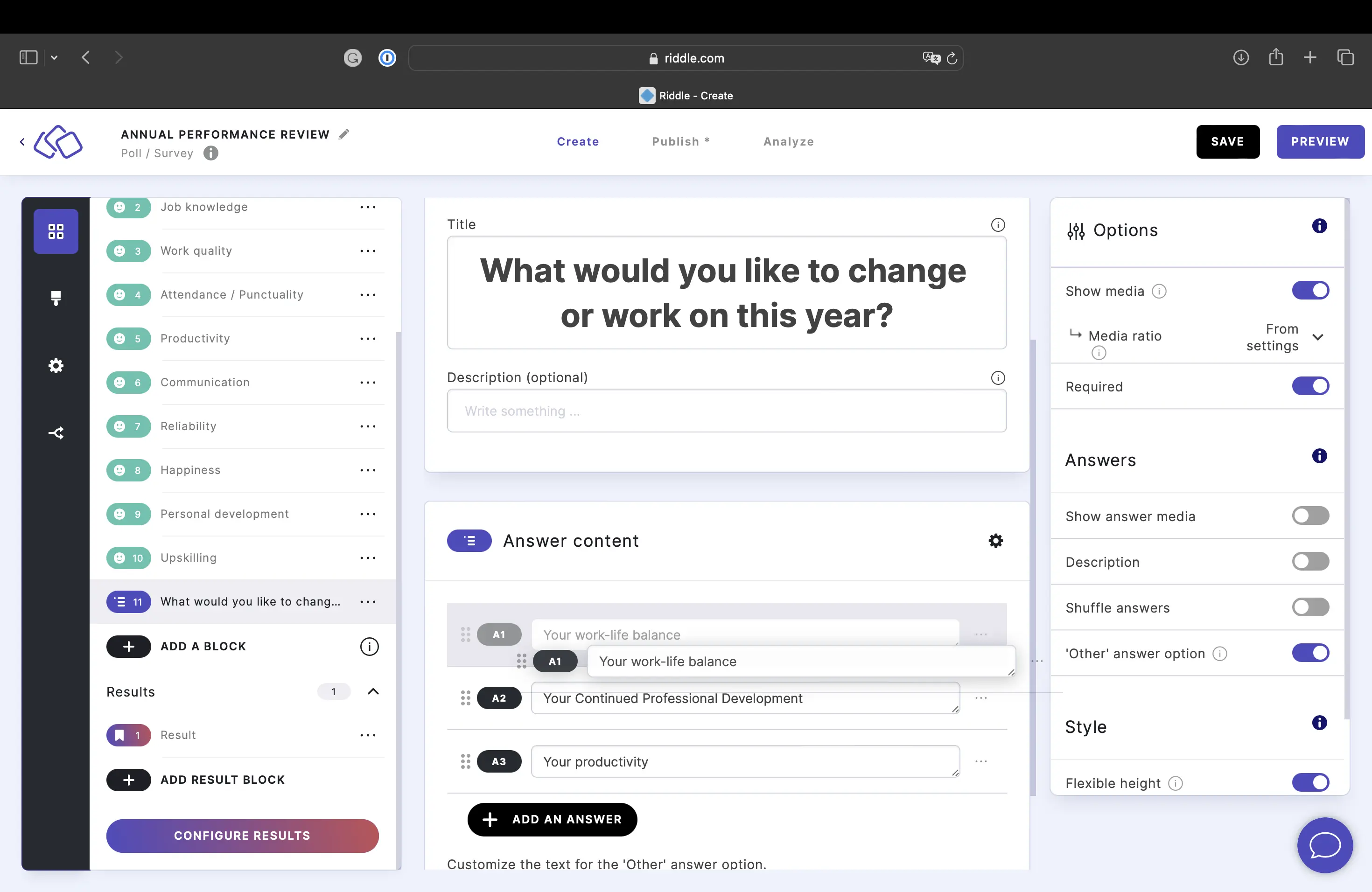
Click on the options icon on the right to configure the following settings.
Media
| Option | Description | Default |
|---|---|---|
| Show media | Toggle to show or hide the block's main image. | ON |
| Media ratio | Choose the aspect ratio: From settings, Wide 16:9, Square 1:1, Tall 3:4, or Original ratio. | From settings |
Required
| Option | Description | Default |
|---|---|---|
| Required | When enabled, your audience must answer this block before proceeding. When disabled, a "Skip" button appears. | ON |
Answers
| Option | Description | Default |
|---|---|---|
| Show answer media | Toggle to show or hide images on each answer choice. | OFF |
| Description | Show a description field below each answer. | OFF |
| Shuffle answers | Randomize the order of answers each time the block loads. | OFF |
| 'Other' answer option | When enabled, an additional "Other" text field appears as the last answer choice, allowing your audience to type in a custom response. This is a poll-exclusive feature. | OFF |
Change the order of answers
Click and drag the six dots on the left of the answer field to move answers up or down.
Shuffle answers
Enable Shuffle answers to randomize the answer order each time the block loads. This prevents your audience from being influenced by answer positions.
Add answer descriptions
Enable Description to add a description field below each answer. You can then enter descriptions under the Answer content.
'Other' answer option
Enable 'Other' answer option to add a free-text field as the last answer choice. Your audience can type in a custom response if none of the predefined answers fit. You can customize the placeholder text in the text field on the left.
Style
| Option | Description | Default |
|---|---|---|
| Flexible height | Allow answer boxes to have different heights based on their content. | ON |
| Layout | Choose how answers are displayed: Stack (vertical list) or Row (horizontal grid). | Stack |
Related articles: