

Update personal data
You can always change your name, display name, and email address.
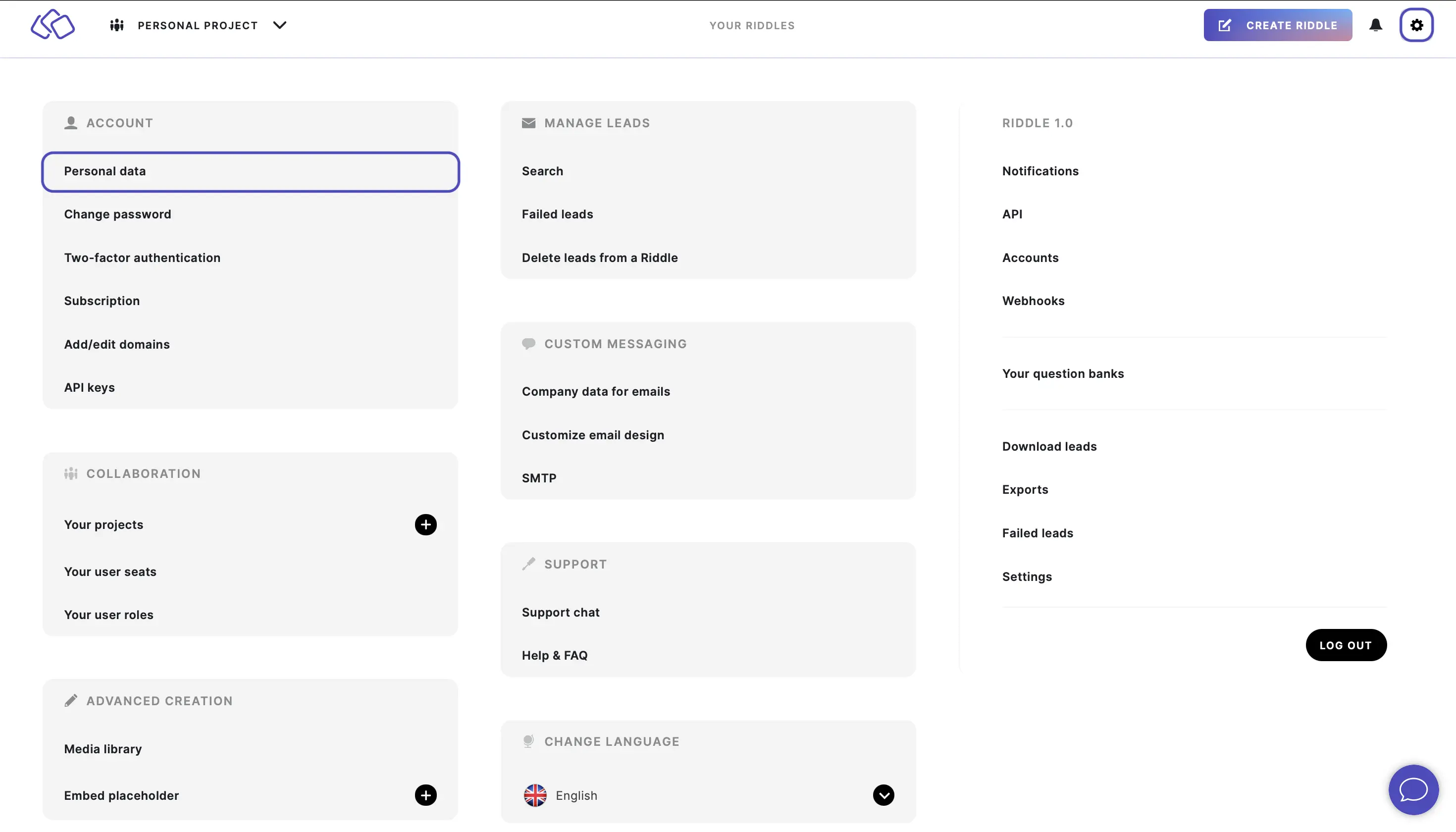
- Go to the main menu in the top right corner and click on Personal data under ACCOUNT.
- Enter any updated information in the relevant fields.
- Click on UPDATE PERSONAL DATA.
- Enter the 2FA code you received via email or via your authenticator application.
- Click on CONFIRM CHANGE.
Delete your account
You can permanently delete your Riddle account from the Personal data page. Scroll to the bottom of the page and click on DELETE ACCOUNT. This action is irreversible and will remove all your Riddles, leads, and account data.