

Quote
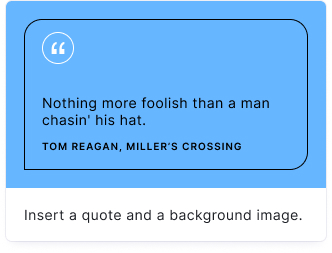
Add visually distinct quotations, testimonials, or key statistics. The Quote block stands out from regular pages with its own background image and custom colors.
Setup
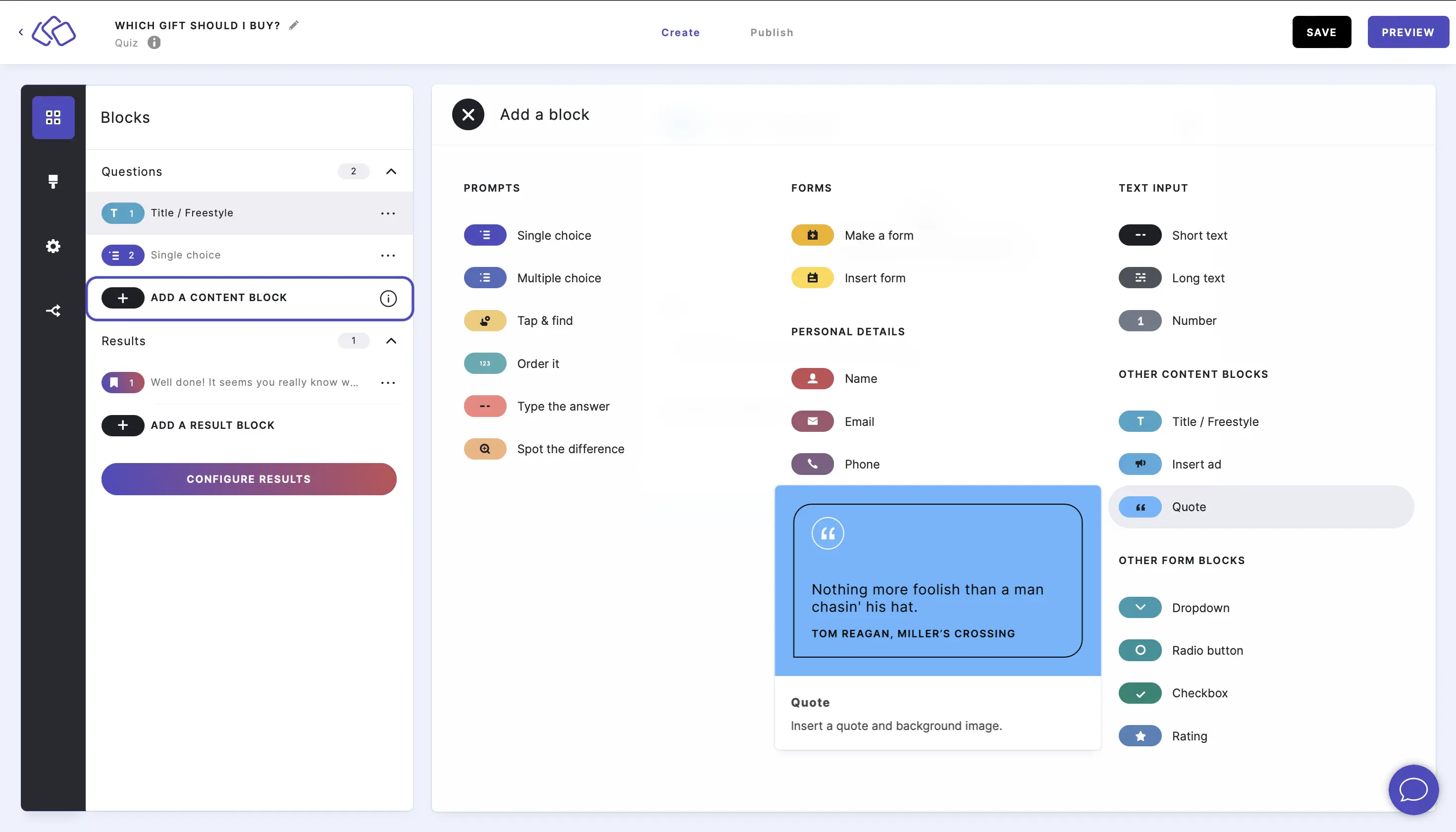
- Click on ADD A BLOCK and select Quote.
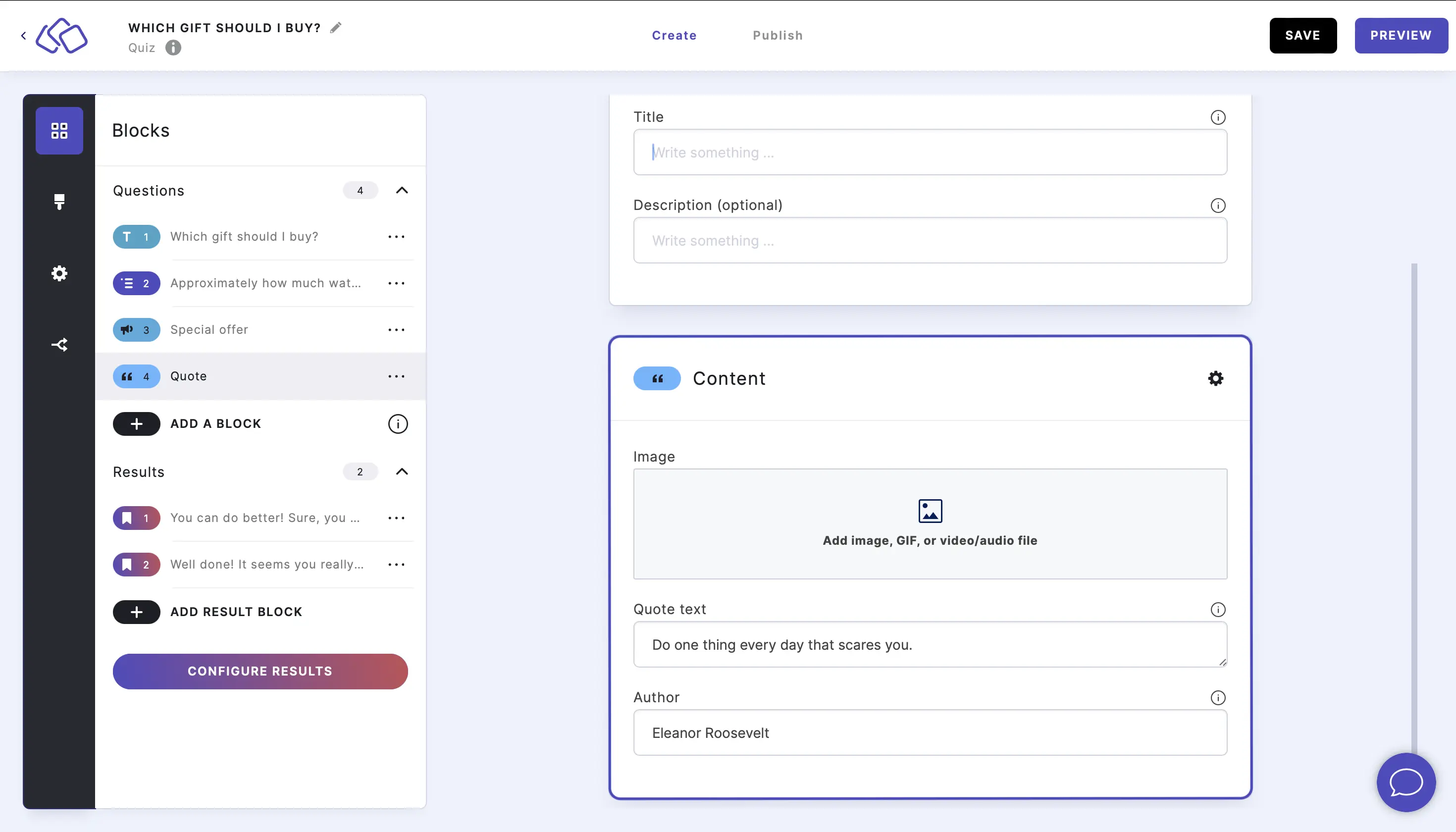
- Fill in the quote text and author name in the Content section.
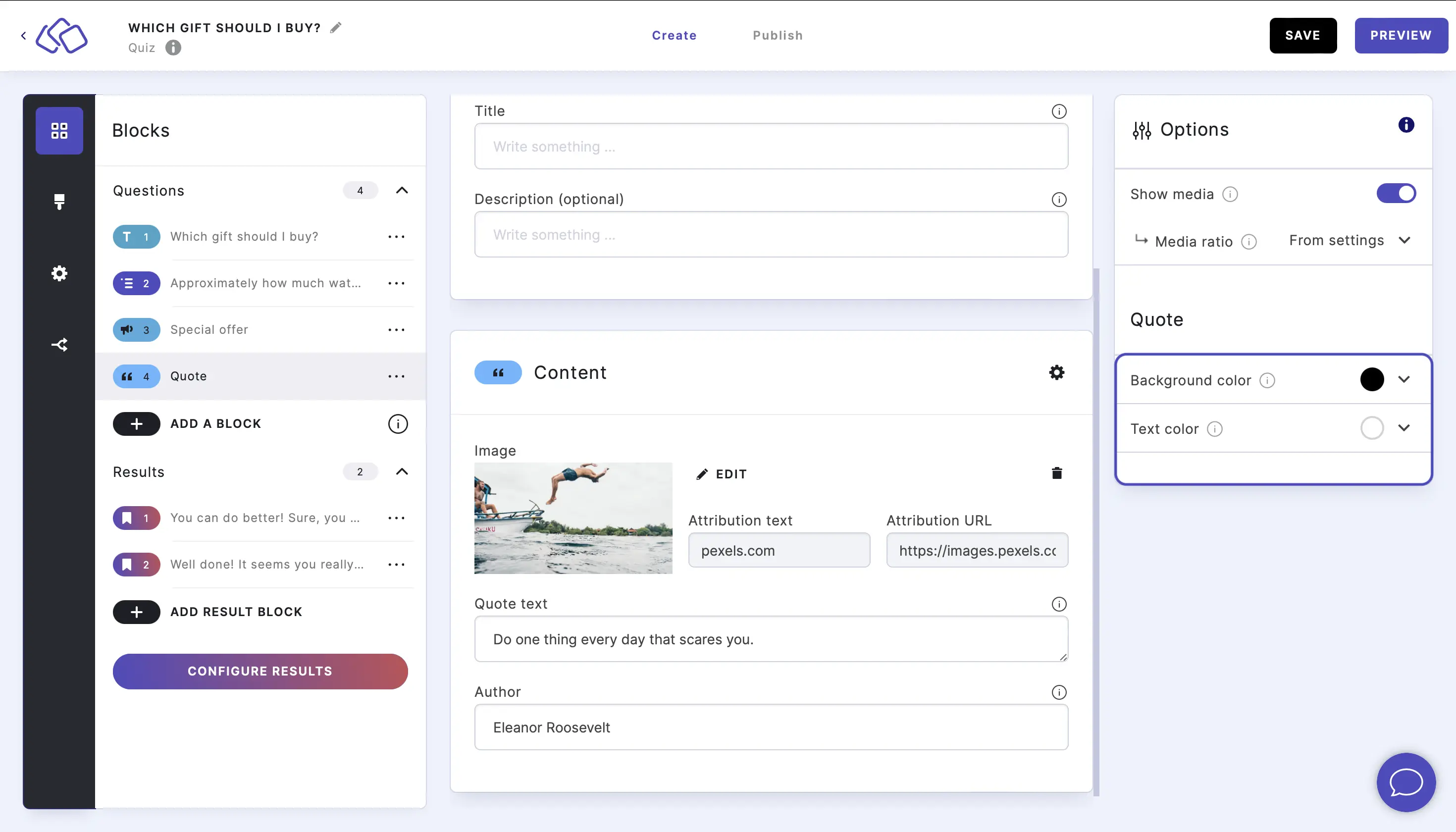
- Add a background image by clicking on the media upload area in the Content section.
- Customize the background and text colors by clicking on the Options icon on the right of Content and selecting colors under Quote.
- Add text into the Title field (optional).
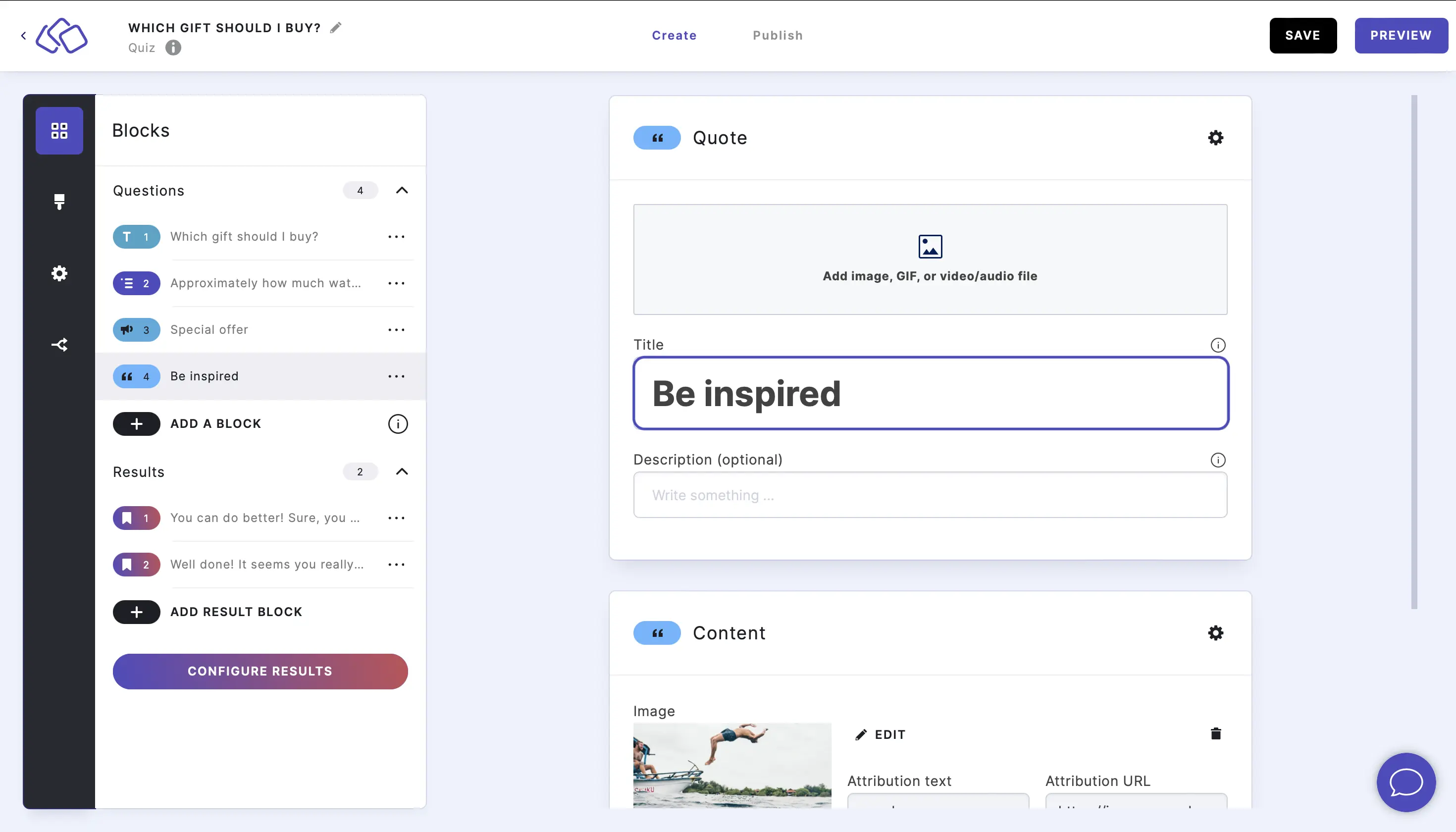
- Add an image above the quote by clicking on Add image, GIF, or video/audio file (optional).

Good to know: Use Quote blocks for expert testimonials, impactful statistics, key takeaways, or any statement you want to stand out visually.