

Slot machine
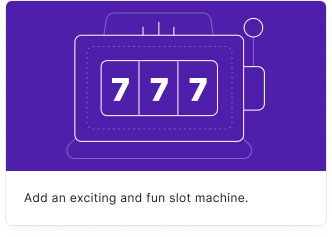
Your audience plays a slot machine game, spinning reels to match symbols. The slot machine is perfect for promotions, giveaways, and gamified lead generation where you want to add an element of chance.
Setup
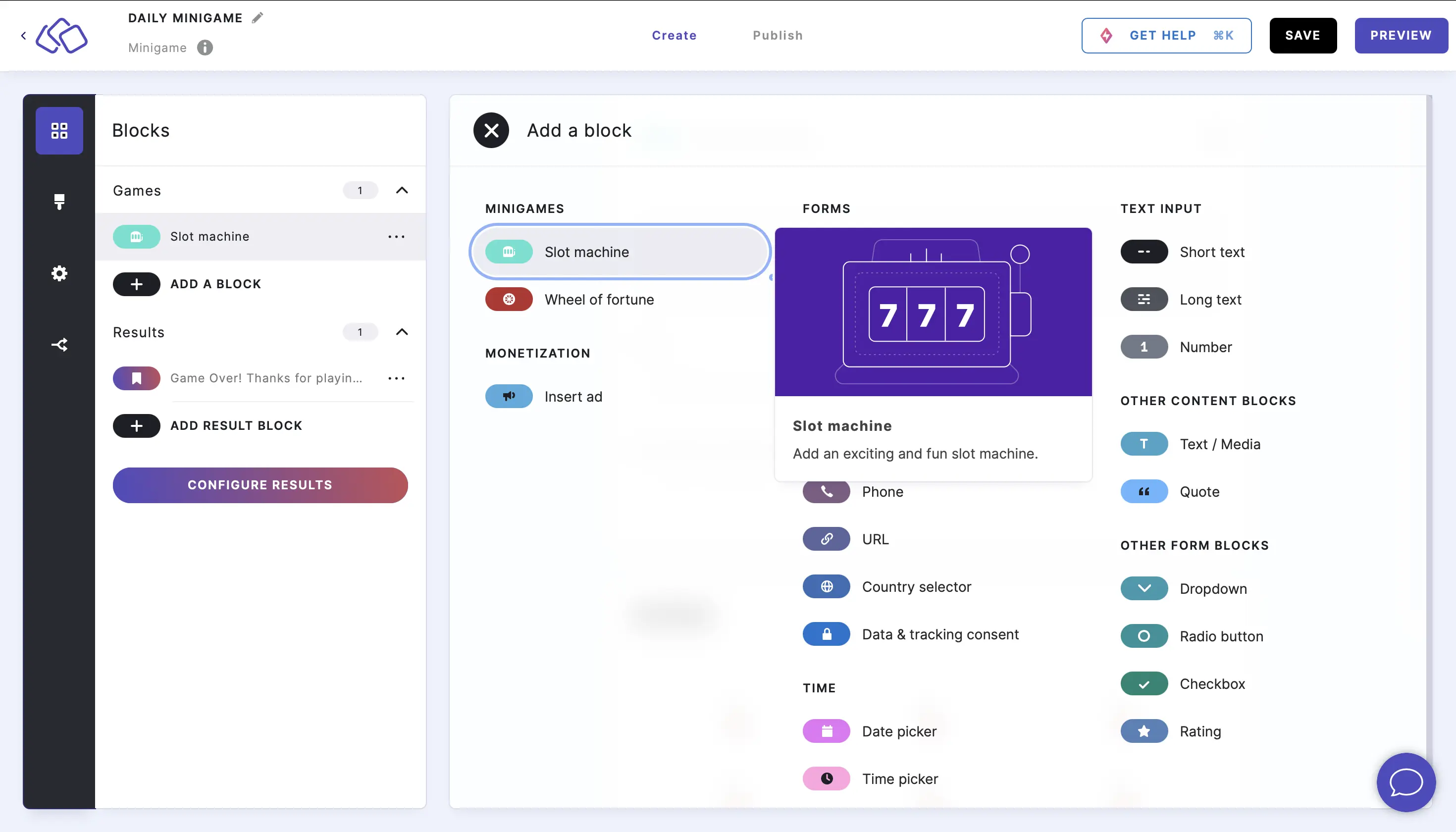
- Click on ADD A BLOCK and select Slot machine.
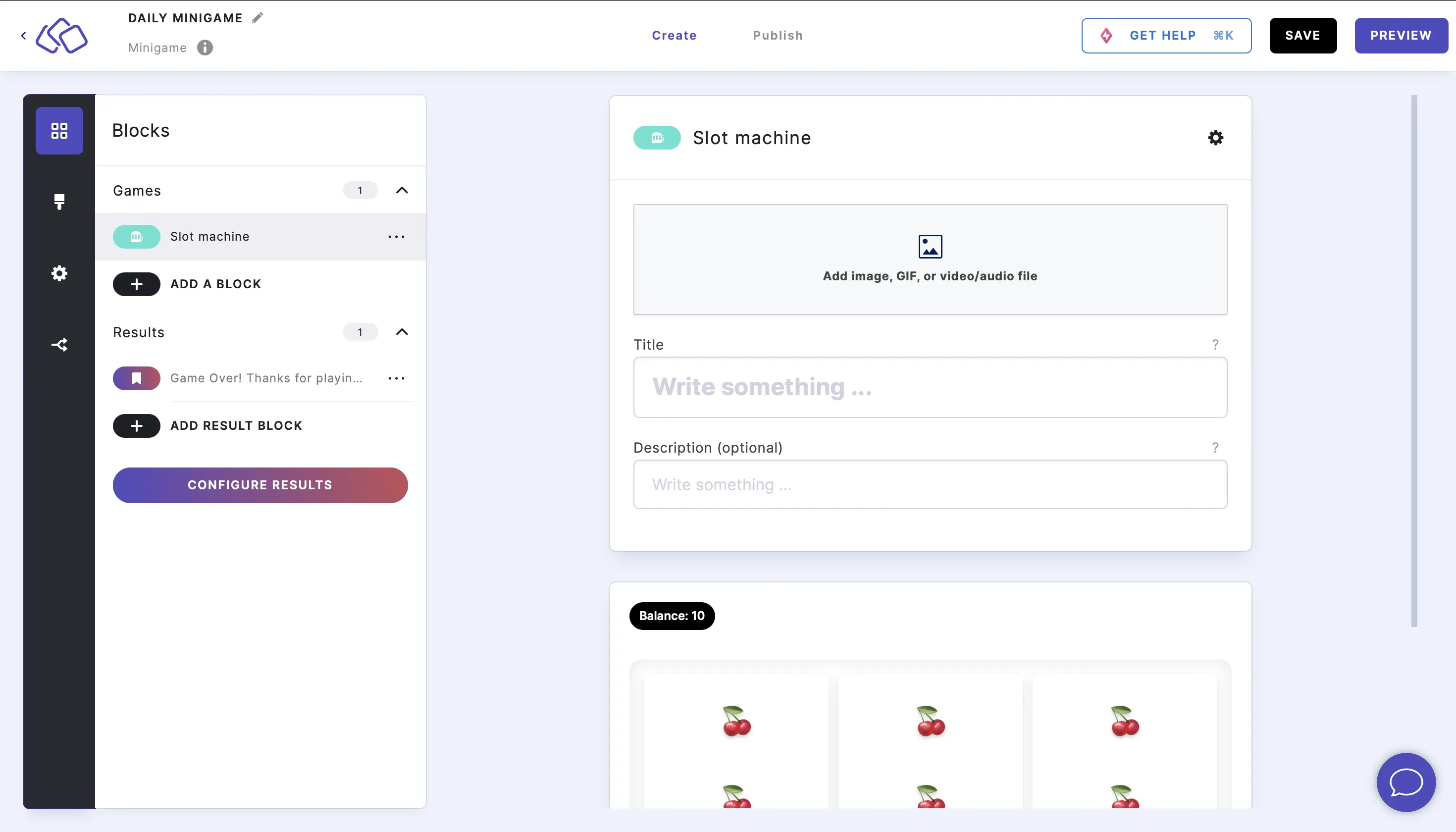
- Enter a title and description, and add an image by clicking on Add image, GIF, or video/audio file (all optional).
Options
Click on the options icon on the right to configure the following settings.
Answers
| Option | Description | Default |
|---|---|---|
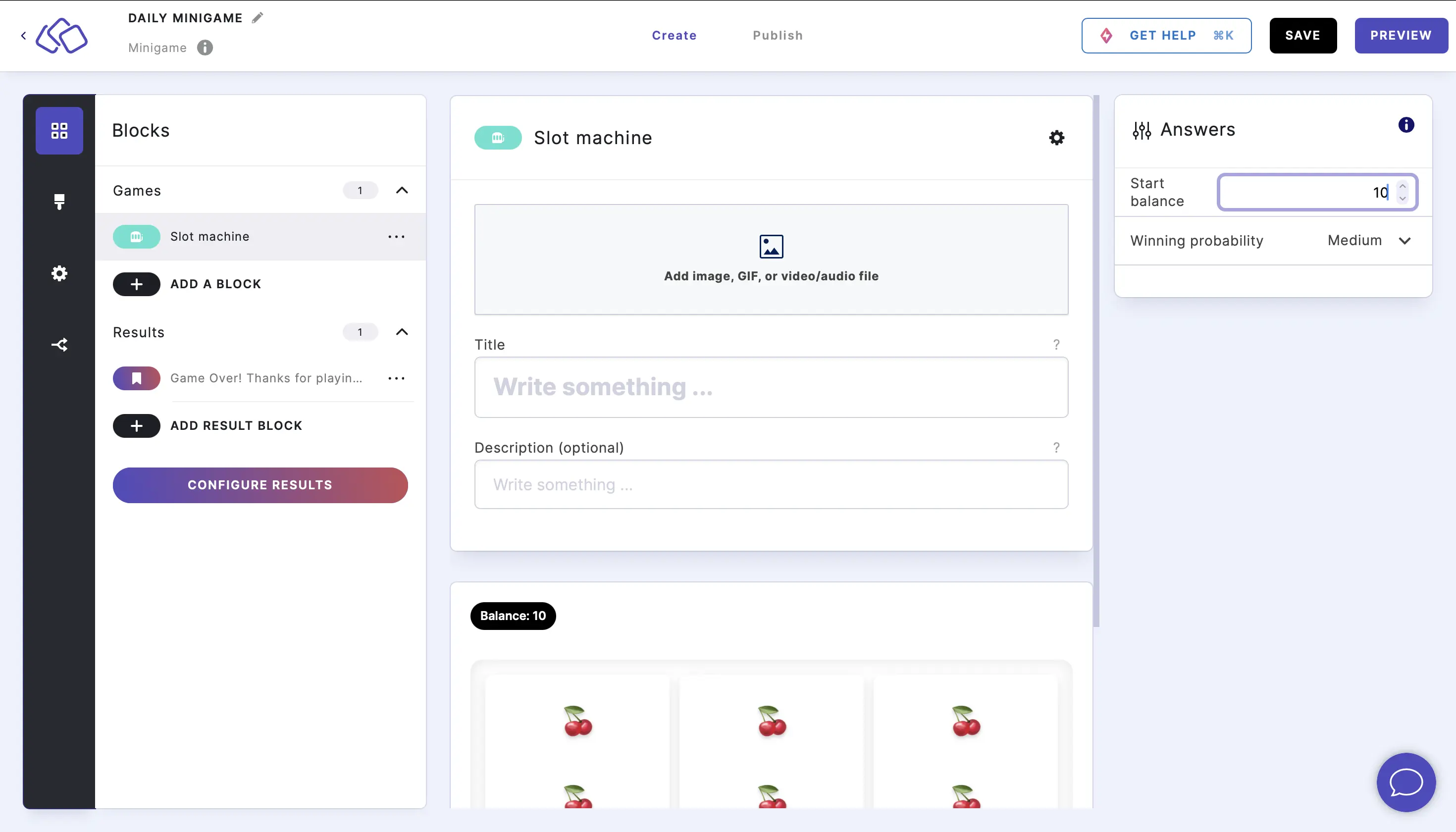
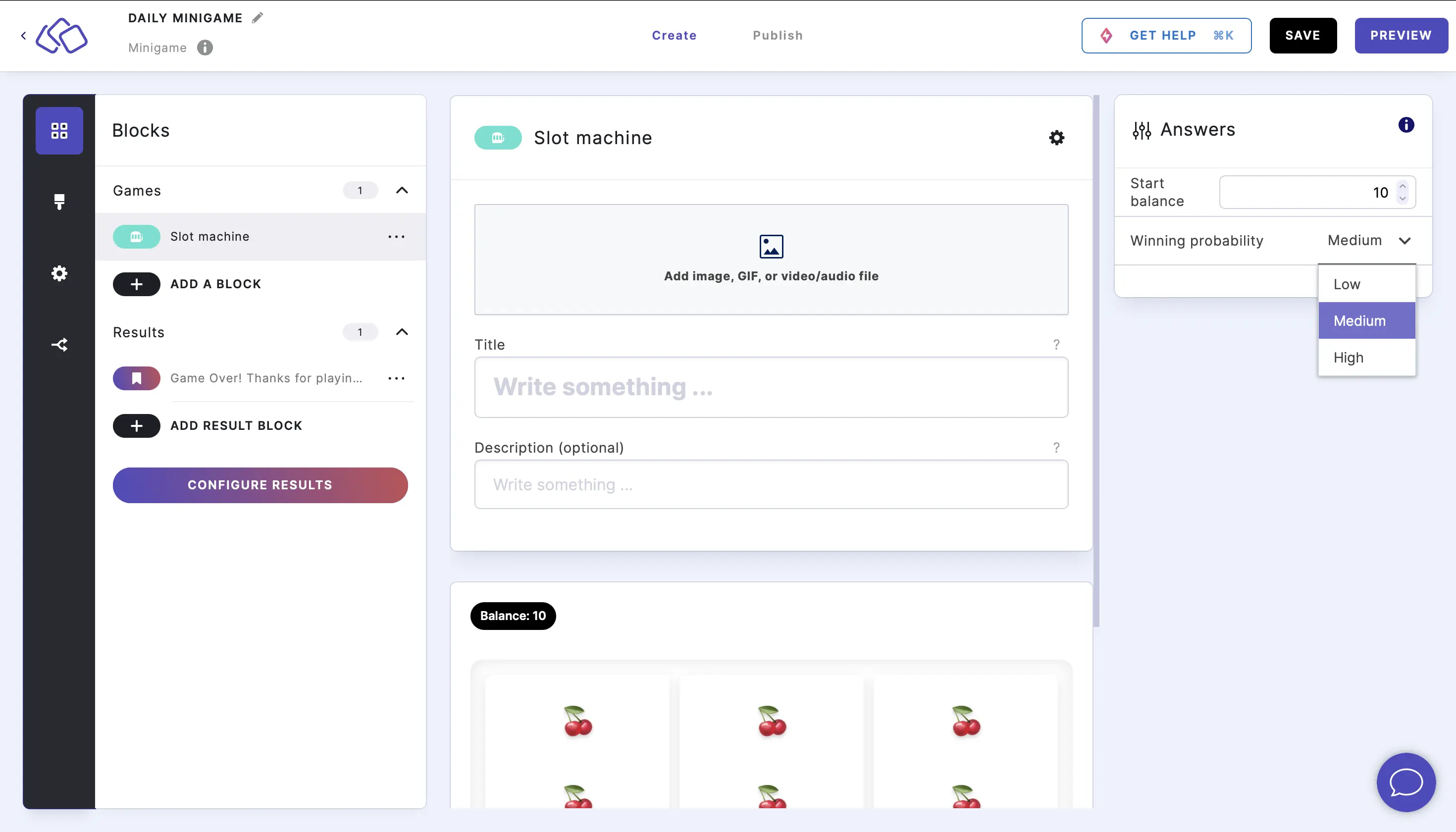
| Start balance | The number of credits your audience starts with. Type a number or use the up/down arrows to adjust. | 10 |
| Winning probability | How often the slot machine pays out. Choose Low, Medium, or High from the dropdown. | Medium |
| Replace emojis with your own images | Replace each default emoji symbol with a custom image or icon. Not all emojis need to be changed. | OFF |
Adjusting the start balance
To edit the Start balance, click on the options icon and type in or use the up and down arrows to change the default balance of 10.
Adjusting the winning probability
To edit the Winning probability, click on the options icon and select Low, Medium, or High from the dropdown menu.
Adding your own images
You can replace each emoji with a custom image or icon. Click on the options icon and enable Replace emojis with your own images. You can then choose a replacement for each emoji - not all are required to change.
Take profit and leaderboards
Your audience spins the reels to grow their balance from the starting amount. When they are happy with their winnings, they click on Take profit to bank their current balance and move on. The banked balance counts as their score – taking profit without a single spin counts as skipping the block.
Connect your minigame to a leaderboard to rank players by their banked balance. See Configure scoring for how minigame scores are calculated.