The Quote Block

The right quote at the right moment changes how users read everything that follows.

A Quote Block drops a pull quote, expert opinion, or testimonial directly inside your interactive content. One well-placed quote adds credibility, narrative weight, and editorial authority mid-flow.

No coding. Fully customizable. Brand-ready.

No credit card required. 14-day free trial.

2:48
average engagement time on Riddle content
73.4%
start → finish conversion rate
28.6%
lead form opt-in rate
3.02×
engagement vs. standard web pages

Source: Riddle 2025 Quiz Marketing Report · 8.96 billion platform data points. Numbers are platform-wide across Riddle’s interactive formats.

Why quotes work

Add authority mid-flow. A well-placed expert quote builds credibility inside the experience.
Surface the strongest line. Pull the sharpest sentence and give it a visual moment in your content.
Build trust with testimonials. Drop a testimonial mid-quiz, where users are most engaged.
Give sponsors a voice. Feature a brand statement in a fully formatted placement.

How to use Quote Blocks

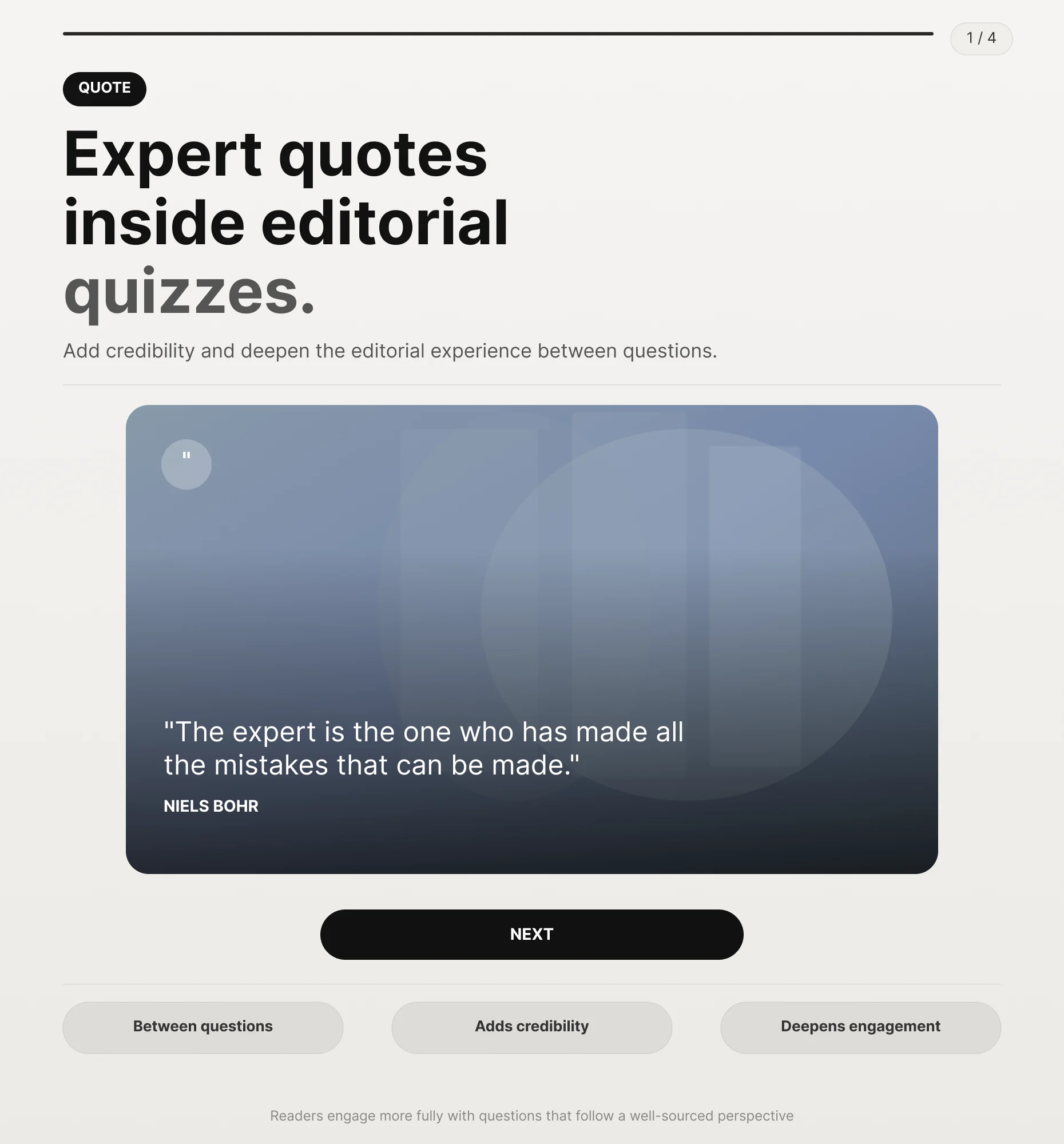
Expert quotes inside editorial Quizzes.

Add a quote from a subject expert, journalist, or analyst between questions to add credibility and deepen the editorial experience. Readers engage more fully with questions that follow a well-sourced perspective.

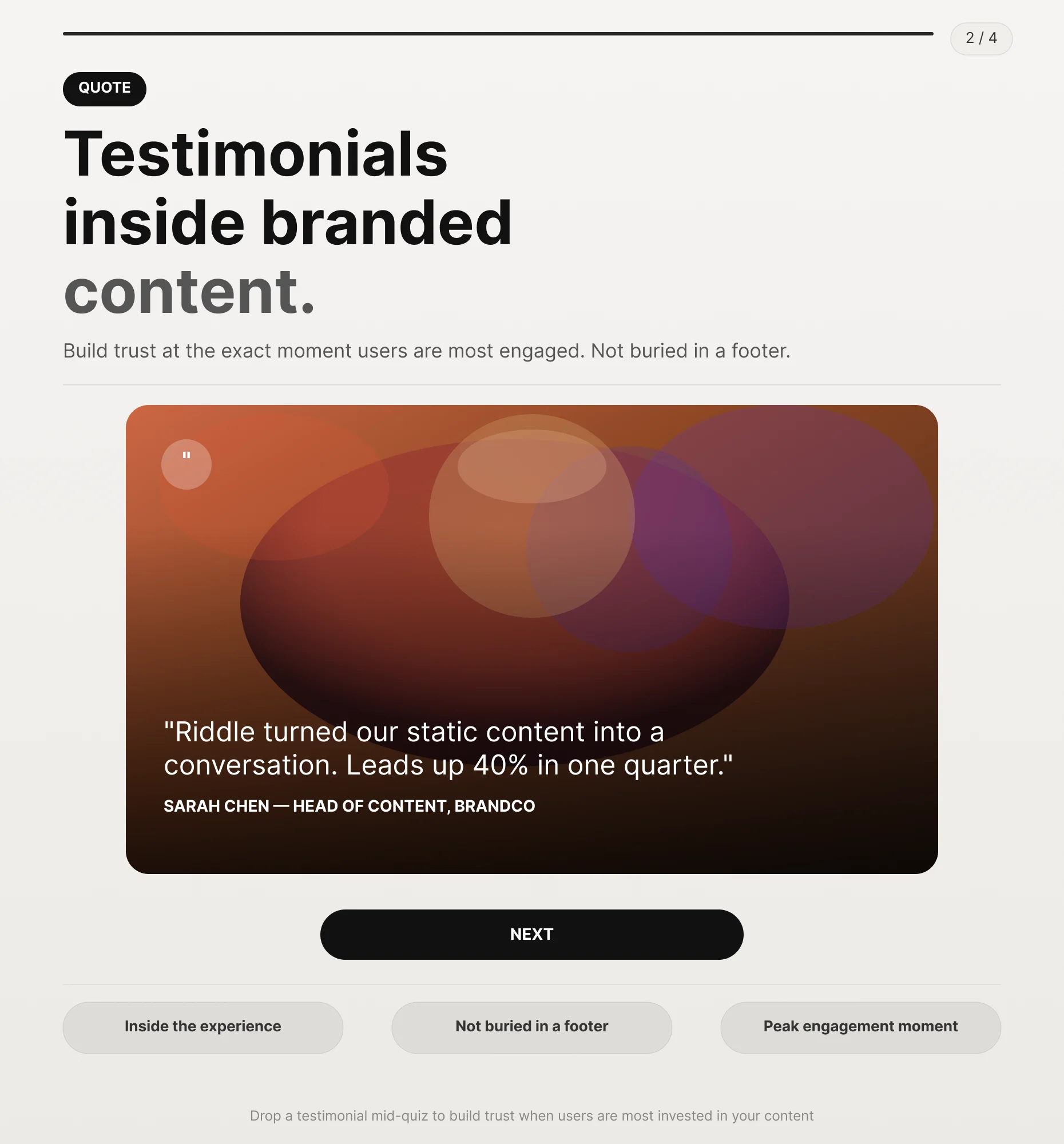
Testimonials inside branded content.

Drop a customer or partner testimonial mid-quiz to build trust at the exact moment users are most engaged with your content. Not buried in a footer. Inside the experience.

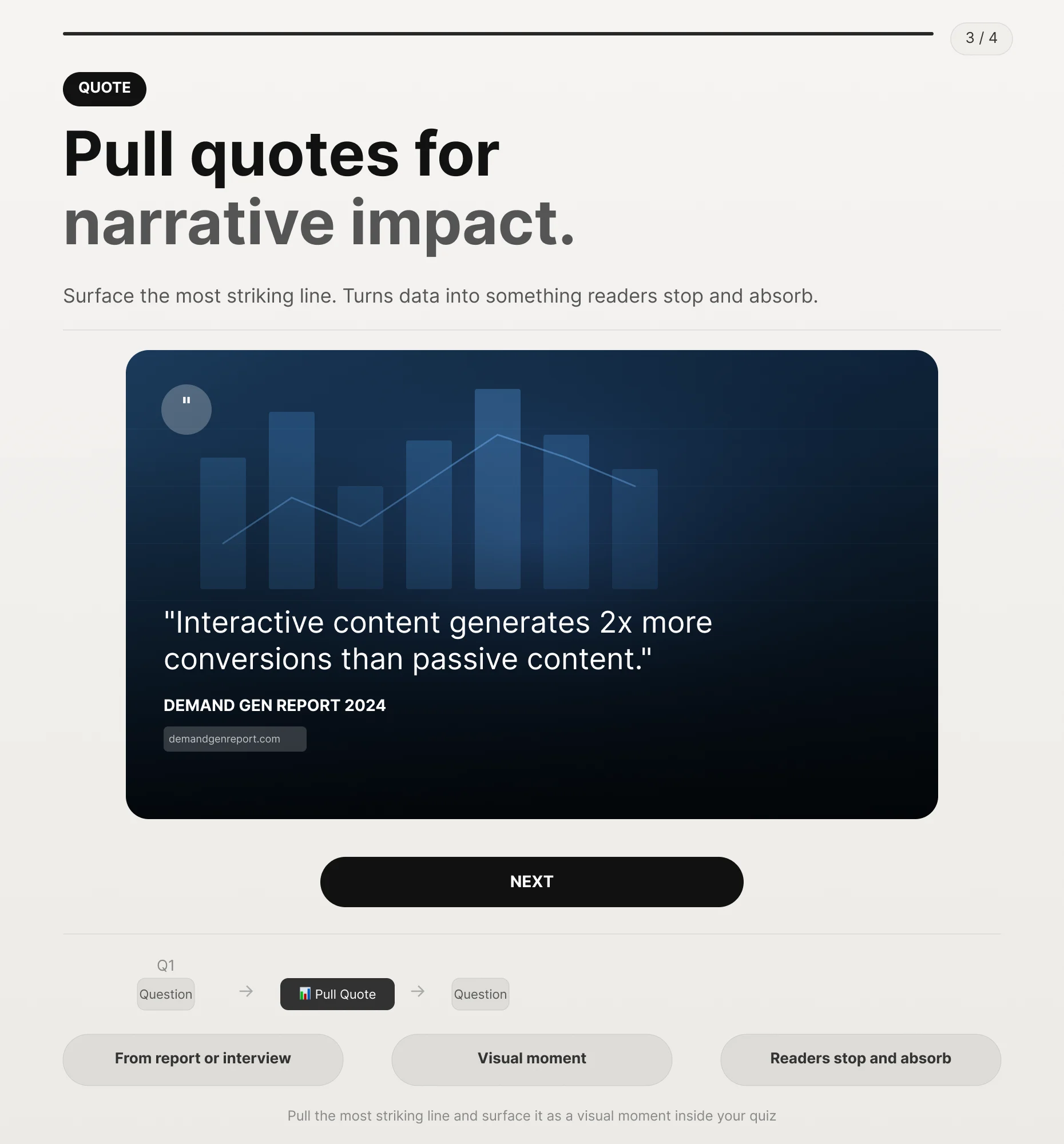
Pull quotes for narrative impact.

Use a Quote Block to pull the most striking line from an article, report, or interview and surface it as a visual moment inside your Quiz. Turns data and analysis into something readers stop to take in.

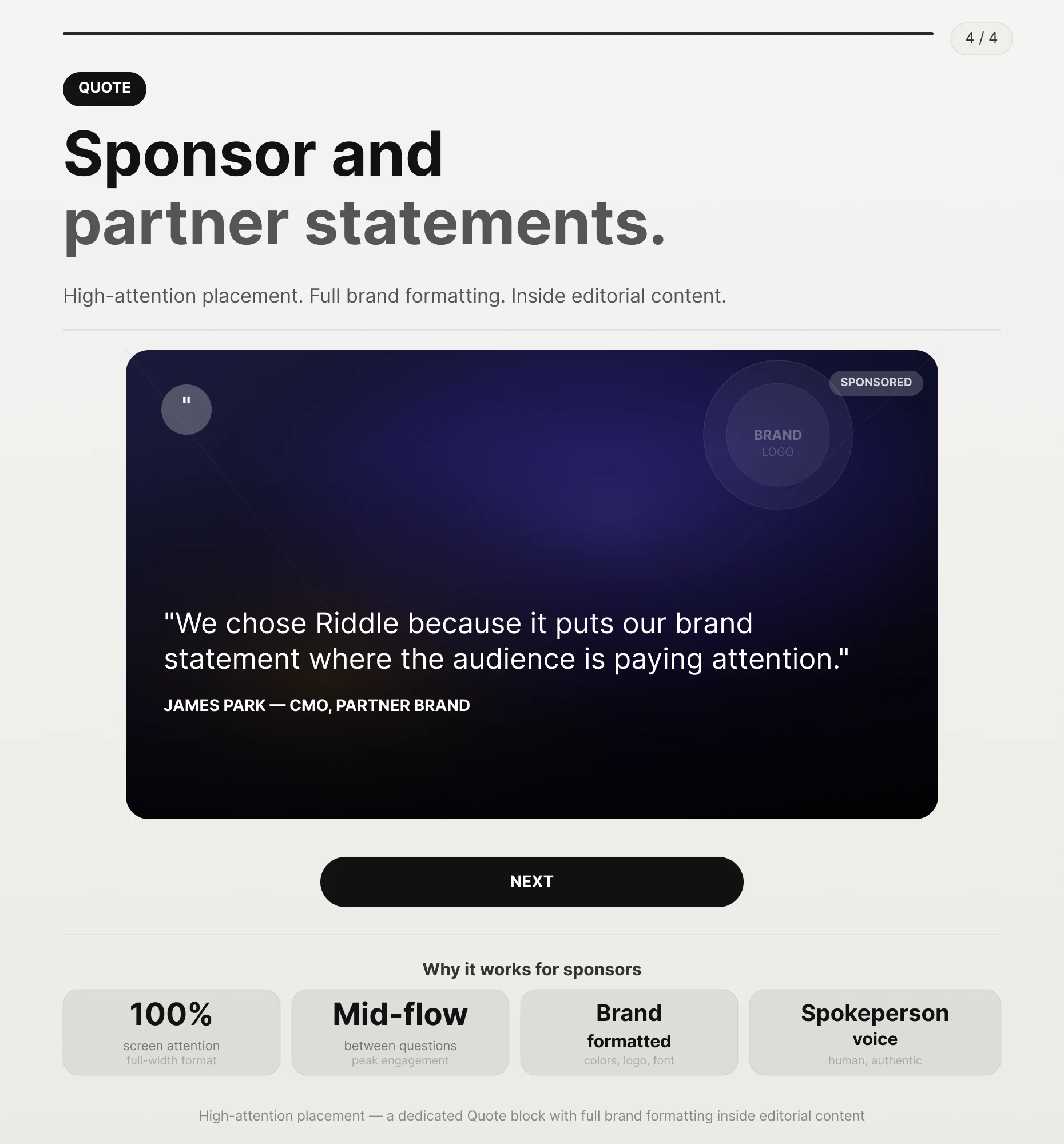
Sponsor and partner statements.

Give sponsors a dedicated Quote Block to feature a brand statement or a spokesperson's comment within editorial content. High-attention placement with full brand formatting.
  • What is a Quote Block?

    A Quote Block is a dedicated content slide for displaying pull quotes, testimonials, or expert statements inside any Riddle Quiz, Poll, personality Quiz, or minigame. It supports text, attribution, images, and custom styling.

    Where can I use a Quote Block?

    Anywhere inside your Riddle content. Between questions, after a key data point, before a results slide, or wherever your content benefits from a credible voice or editorial callout.

    Can I use a Quote Block for sponsor content?

    Yes. A Quote Block can display a sponsor or partner statement with full brand formatting inside the flow of your interactive content, at the moment user attention is highest.

    Can I add an author name, background image, and brand formatting to a Quote Block?

    Yes. Each Quote Block supports an author name, image, attribution name and title, and a brand or publication logo. Full styling controls let you match the block to your content theme or sponsor brand guidelines.

    How much does Riddle cost?

    Riddle offers Pro, Business, and Enterprise plans for different team sizes and content needs. You can start with a 14-day free trial without a credit card. Full plan details are on our pricing page.

Quote is not the only Riddle block

Every Riddle content block drops into any Quiz, Poll, personality test, or minigame. No code required.

Story maker Interactive Graphic Text & Media Ad / iFrame

What our clients say

Riddle helps our Children's interactive team to quickly create engaging content that provide compelling data insights about our audience.
Derek Harvie
Derek Harvie Executive Producer BBC
We were looking for ways to increase engagement with our audience and we decided to work with Riddle. Our content team love Riddle and our Quizzes are getting 35% more page views and 40% more time on site after the first month.
Mark Wright
Mark Wright Managing Director Den of Geek

Insights & guides

Ready to add a credible voice to your content?

Get a 14-day free trial. All features unlocked. No payment details needed.