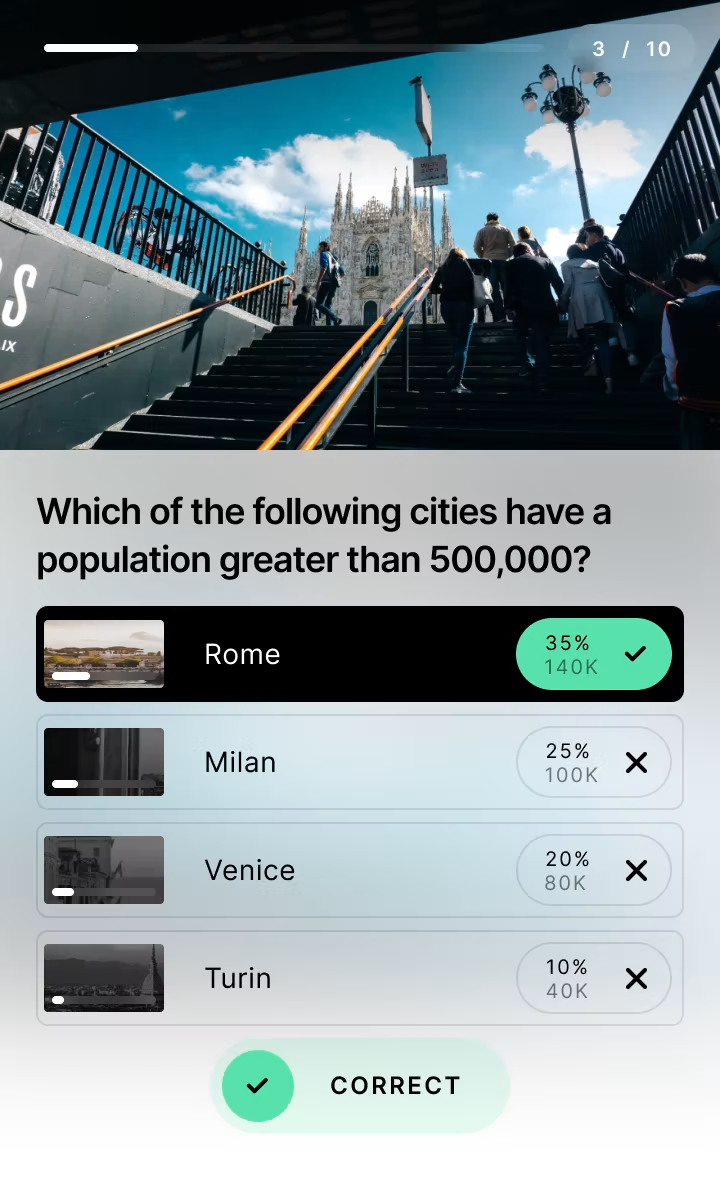
Built-in Lead Generation
Capture leads where engagement peaks. No redirects. No drop-off.
Native form fields sit inside your Quiz, Poll, or minigame, or right before the result reveal, at the exact moment engagement is highest.
No coding. Fully customizable. Brand-ready.
No credit card required. 14-day free trial.
Source: Riddle 2025 Quiz Marketing Report · 8.96 billion platform data points. Numbers are platform-wide across Riddle’s interactive formats.
Why native form fields outperform standalone forms
Every contact and data field type
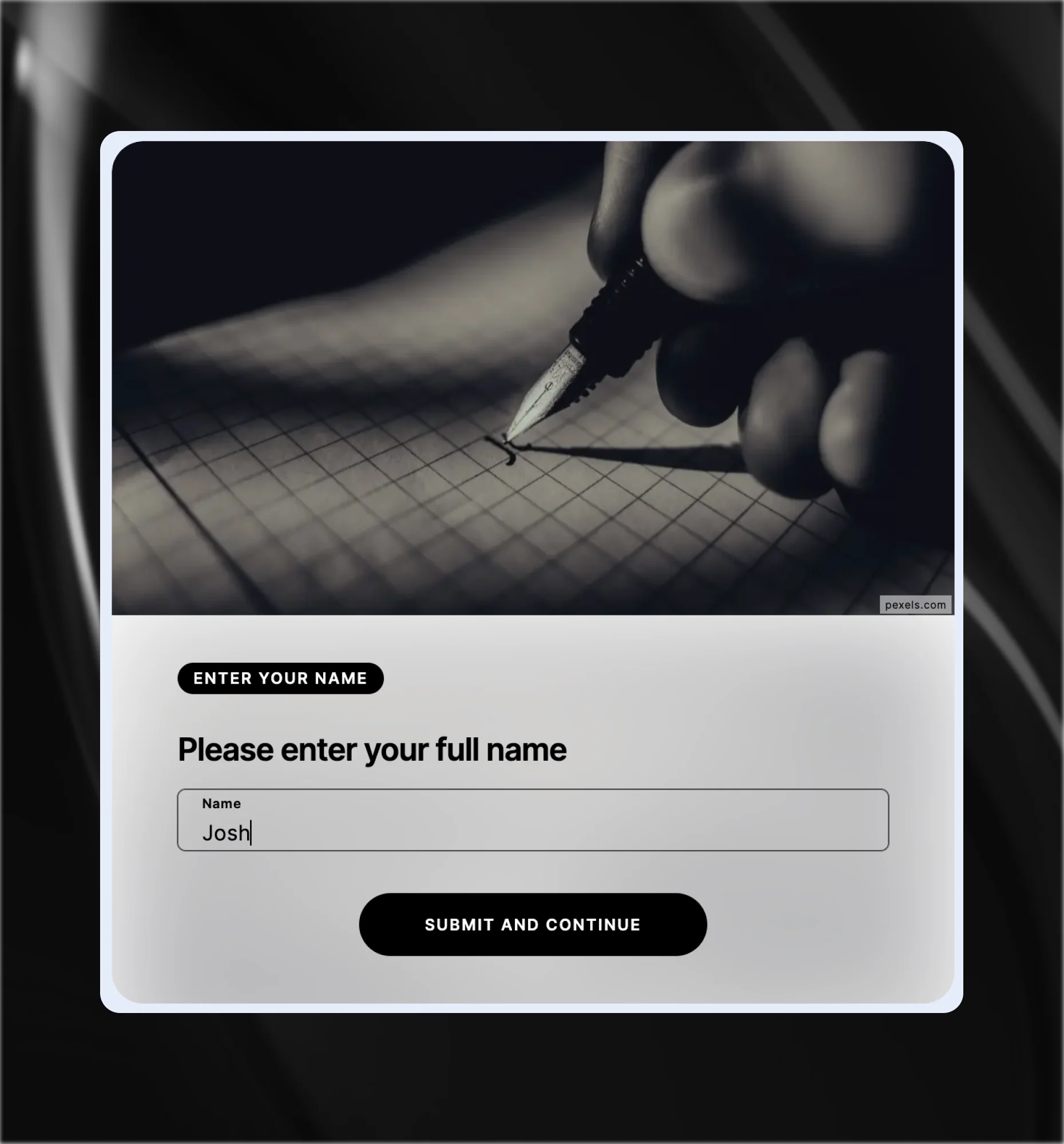
Name.
Captures a first name, last name, or both. Use it to personalize questions, results, and follow-up. Available as separate first and last name fields.
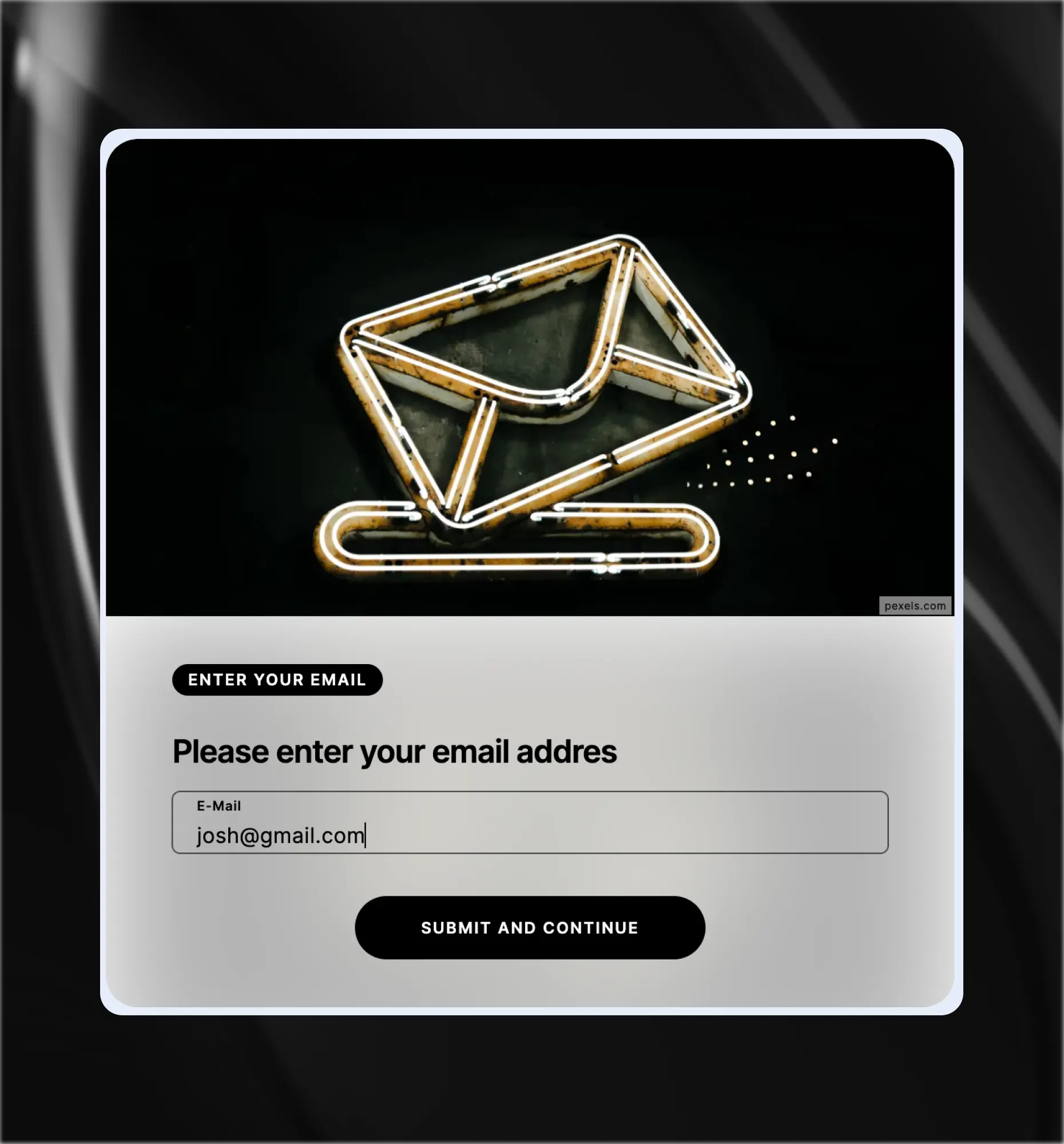
Email.
The core lead-capture field, with built-in format validation. Place it before results, before a reward spin, or after a sequence of interactions.
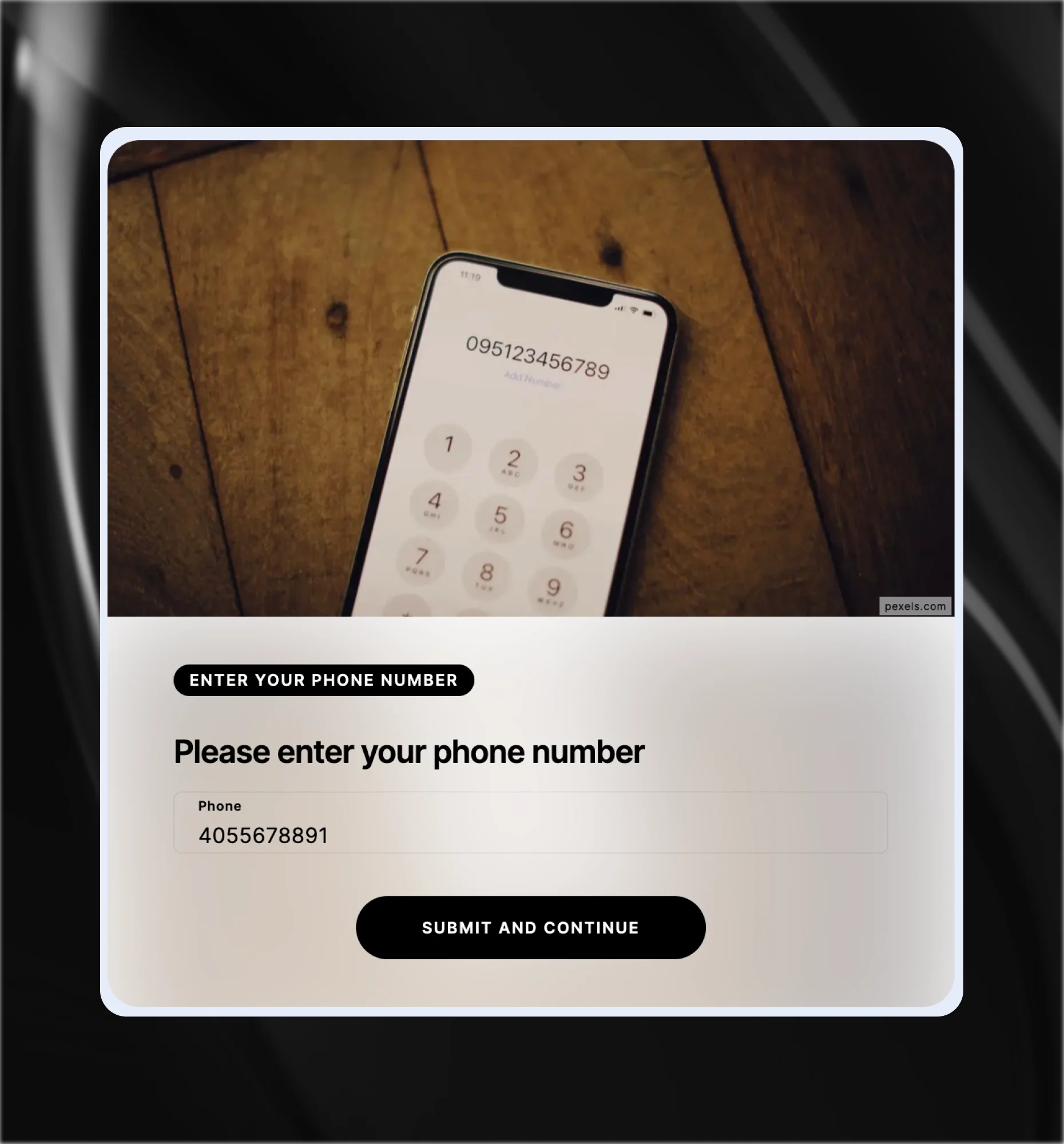
Phone.
Captures a phone number. Best for campaigns where SMS follow-up, prize fulfillment, or direct contact is part of the conversion flow.
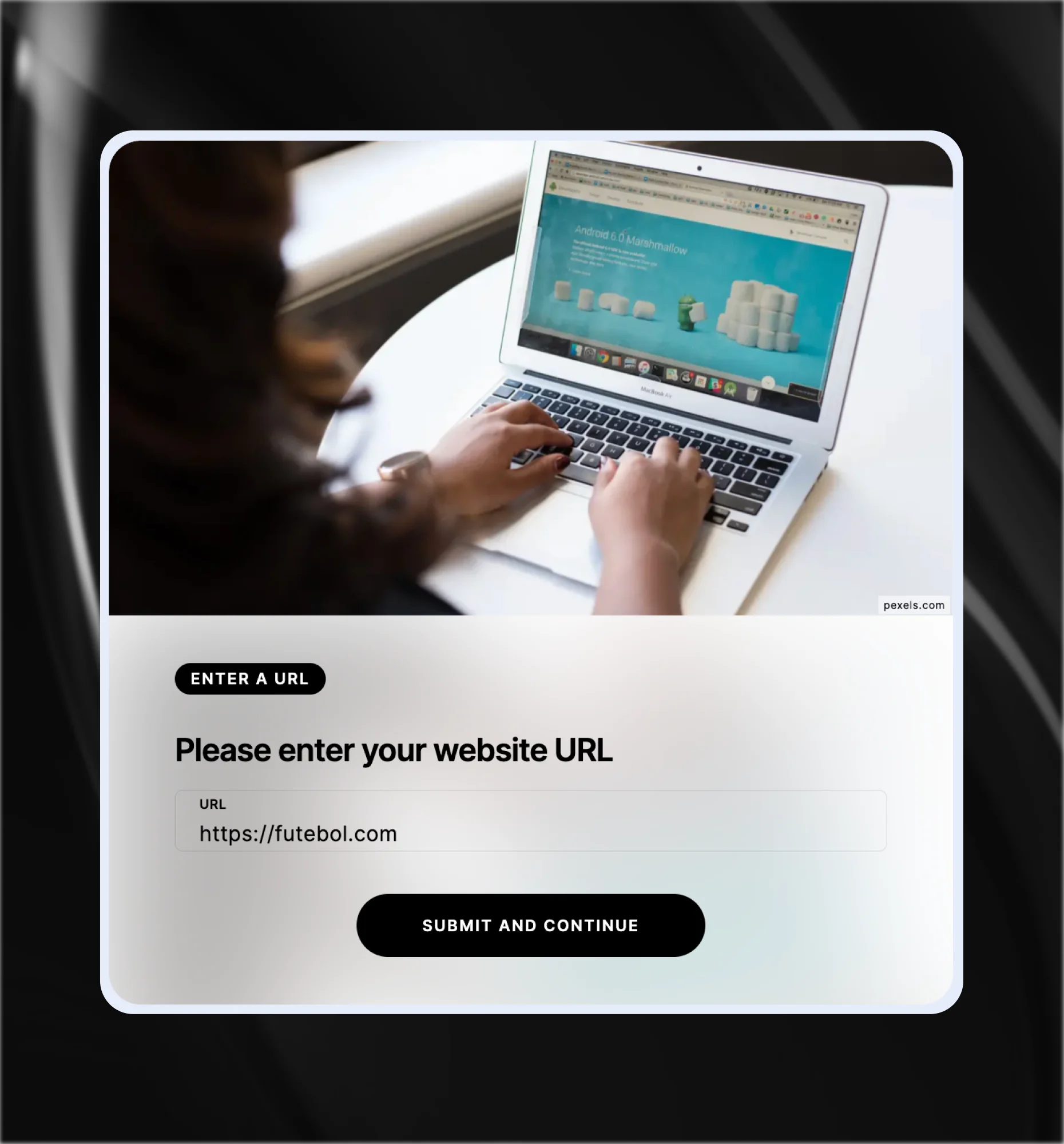
URL.
Collects a web address. Ideal for B2B flows where a company website or portfolio link adds qualification context to the lead.
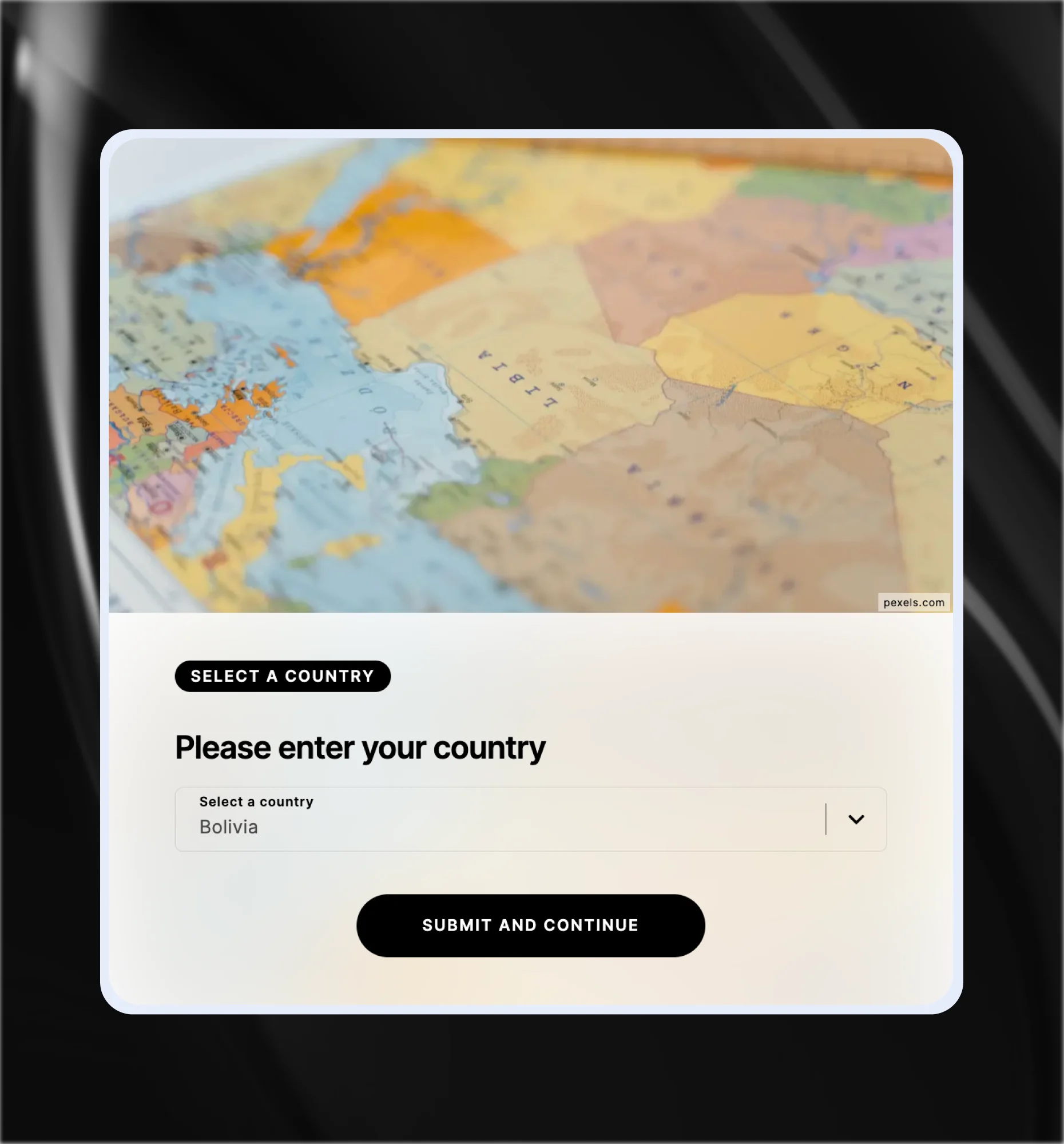
Country Picker.
A searchable dropdown for country selection. Segment leads by geography, personalize results by region, or qualify location-specific campaigns.
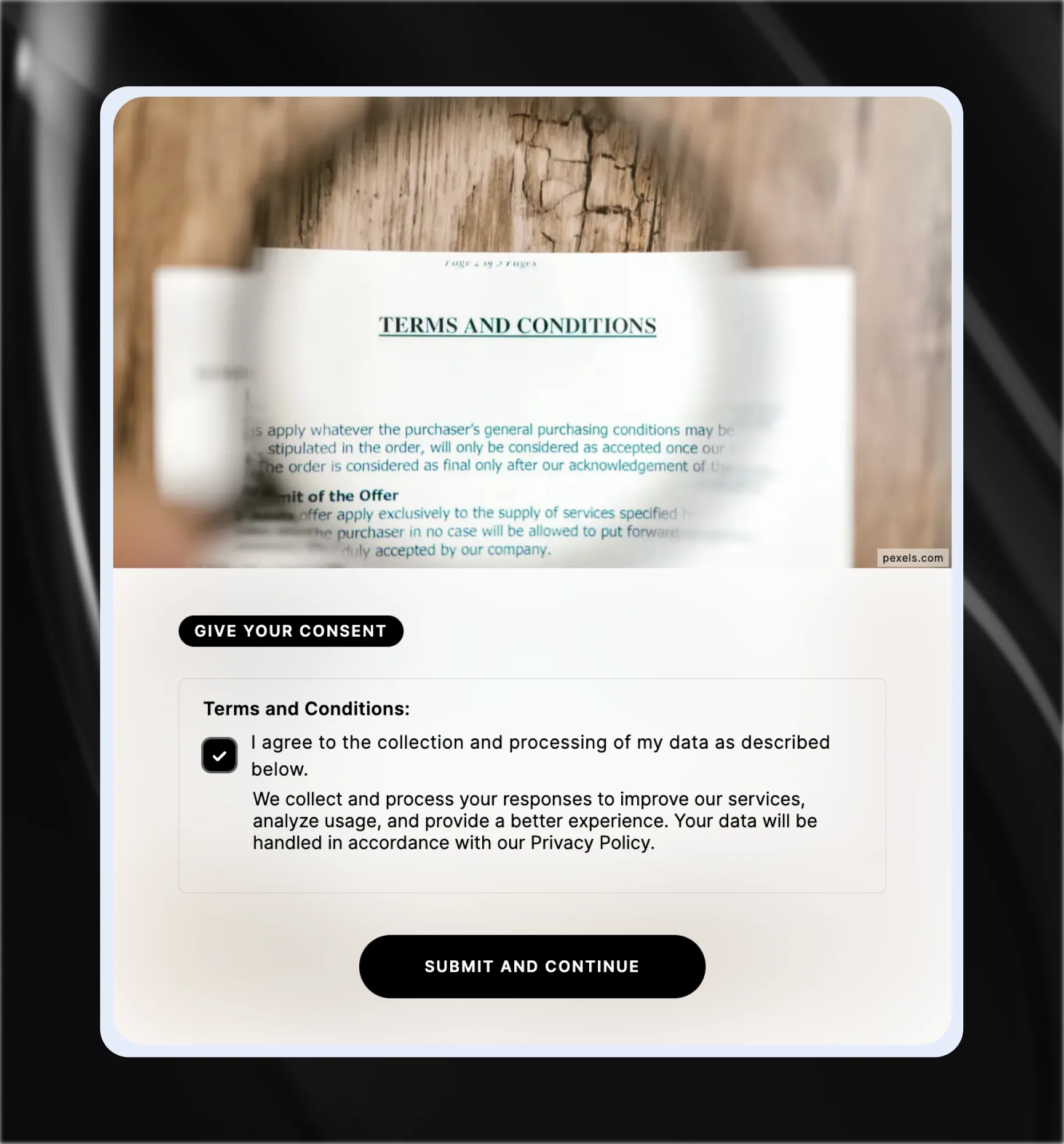
Data & Tracking Consent.
A dedicated GDPR-compliant consent field. Users explicitly opt in to data collection and marketing. Required for any flow targeting users in the EU.
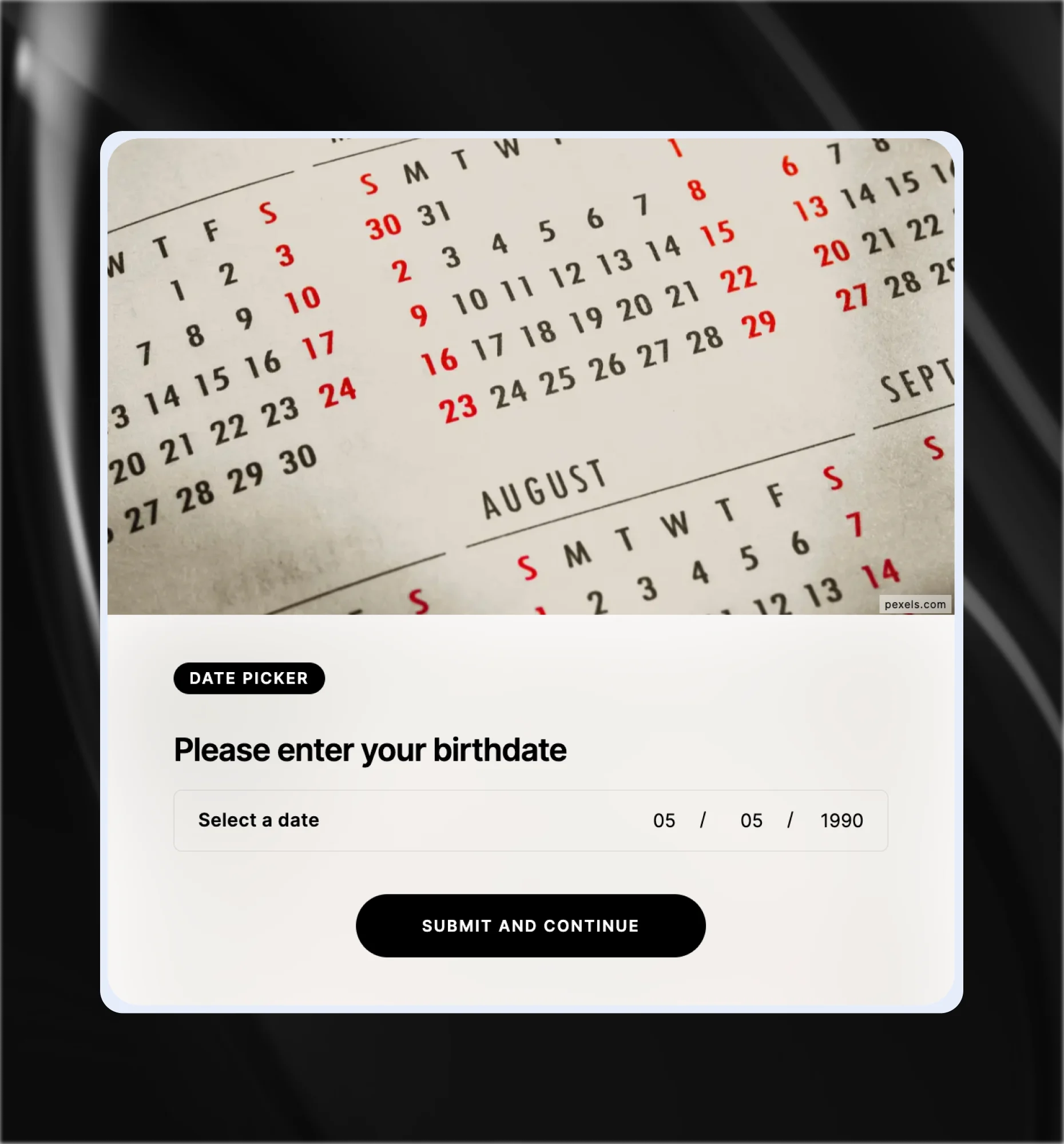
Date Picker.
Captures a specific date from users. Great for event registrations, competition entries, booking flows, or any campaign where a date qualifies the lead.
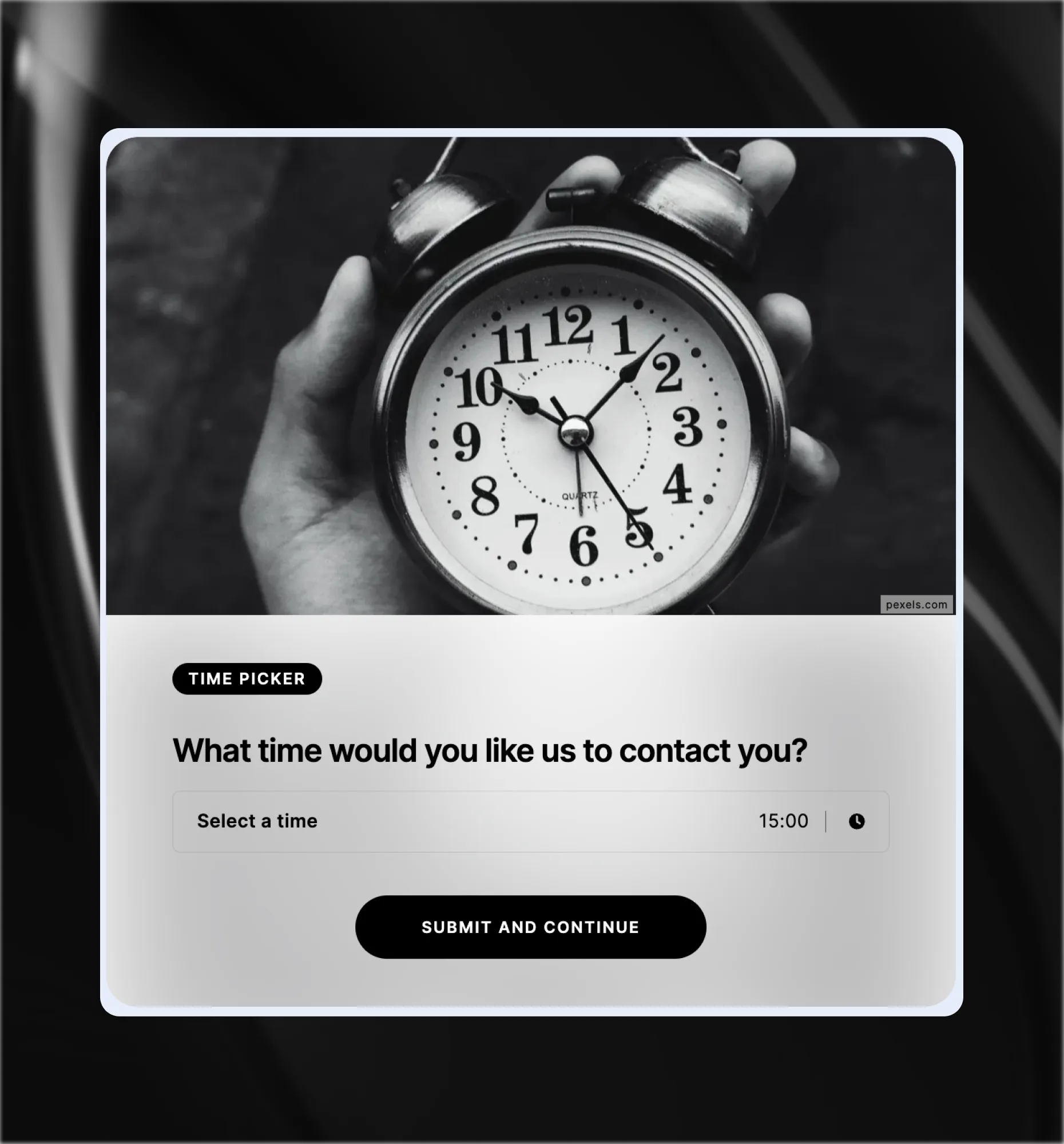
Time Picker.
Captures a specific time from users. Best for appointment booking flows, event registrations, or time-specific campaign interactions.
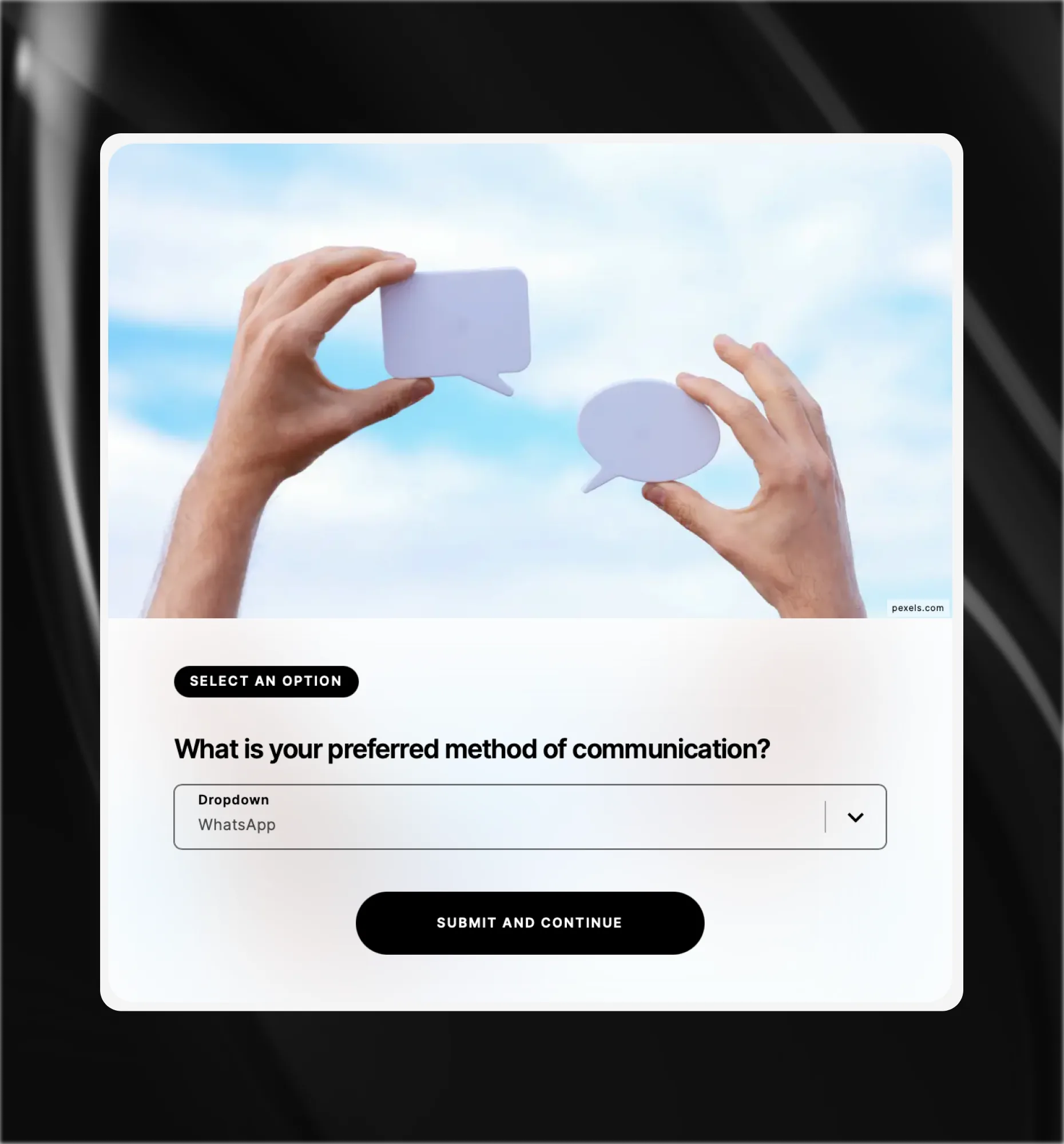
Dropdown.
A single-select field shown as a dropdown list. Best for longer option lists like job role, industry, or company size, where buttons would create clutter.
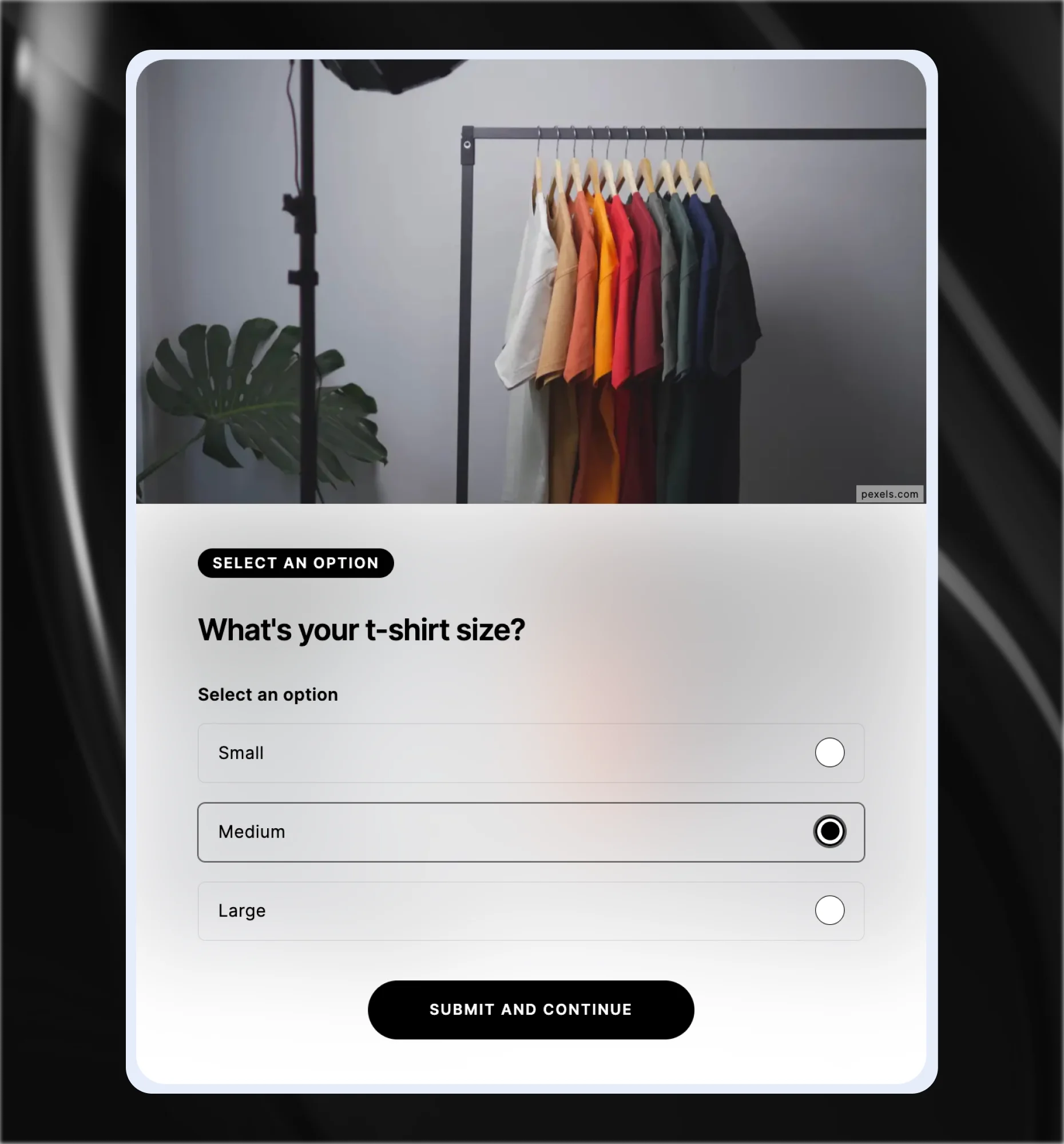
Radio Button.
A single-select field displayed as visible options. Best for short lists where showing every choice at once helps users decide quickly.
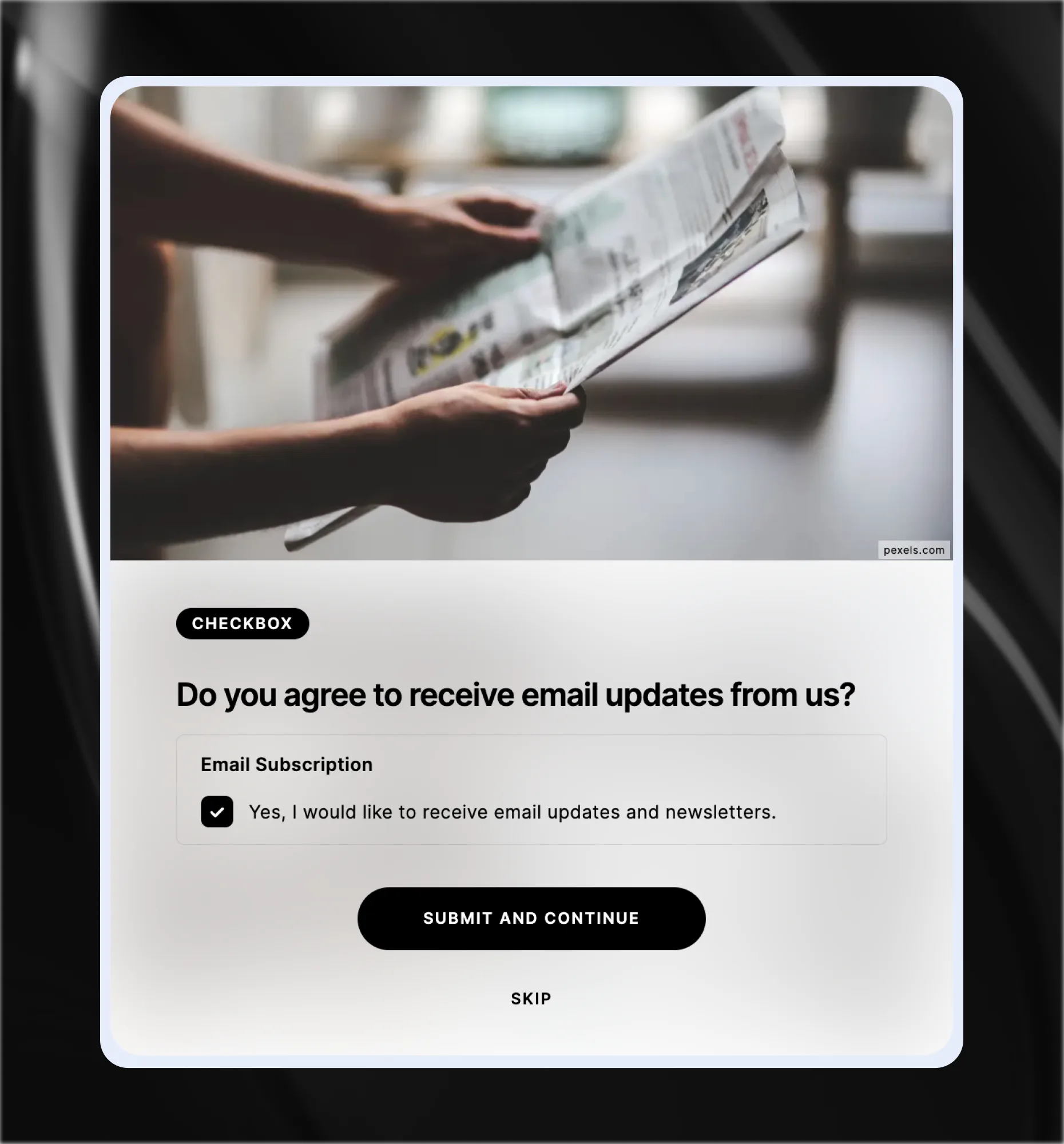
Checkbox.
A multi-select field where users tick one or more options. Best for preference capture, consent confirmation, or any question where several answers are valid.
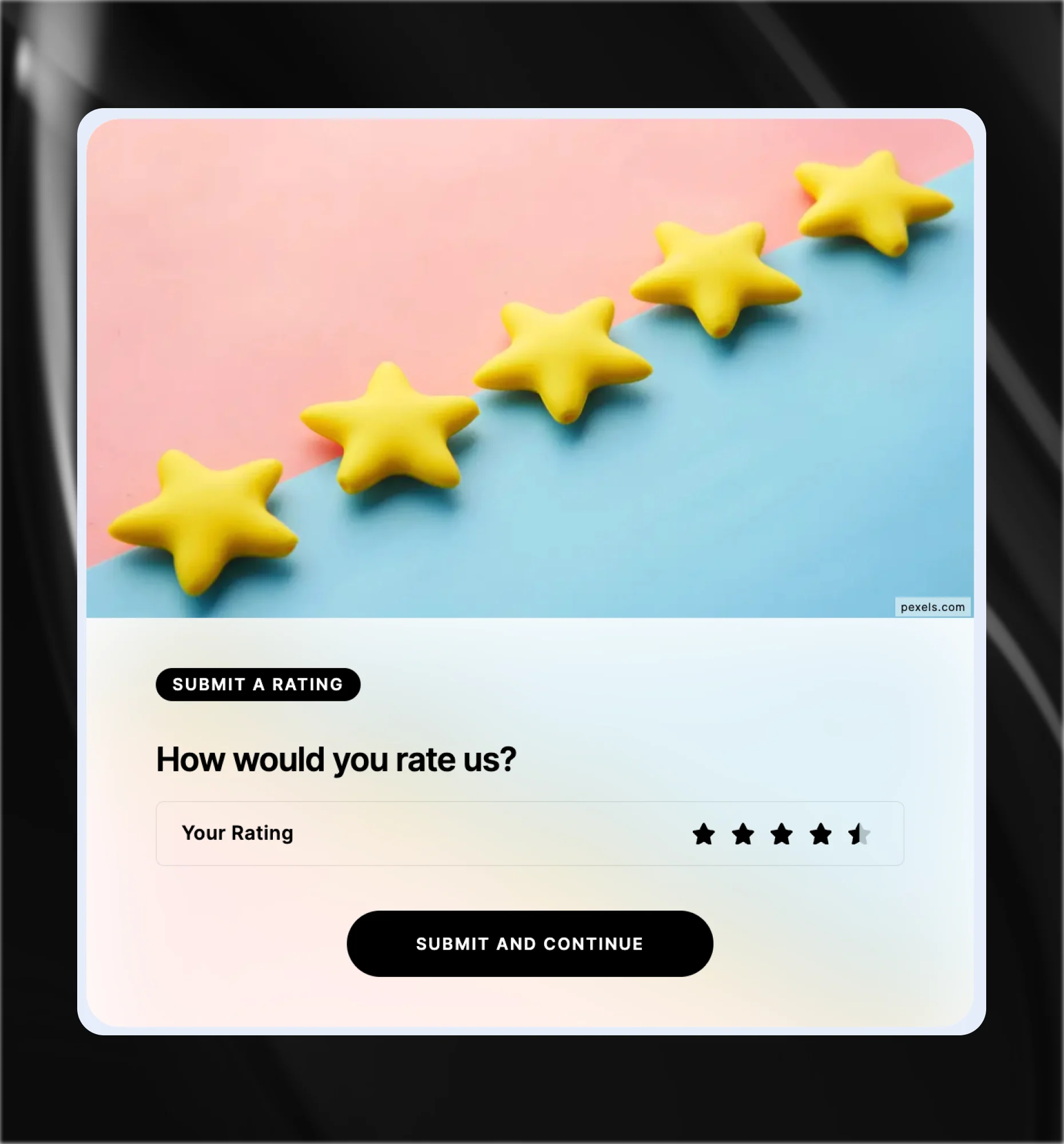
Rating.
A visual rating scale, shown as stars or numbered points. Best for post-interaction feedback, product satisfaction, or any moment a quick score says more than words.Capture leads inside any Riddle format
Form fields drop into every Riddle format, no code required. Add them wherever engagement peaks.

What our clients say
Insights & guides
Embed anywhere. Connect to 5,000+ tools.
Add every kind of Riddle to any CMS or site-builder, and sync your leads to a huge range of marketing tools.
Try it for freePersonality Quizzes
Quizzes
Sponsored content

Surveys

Polls
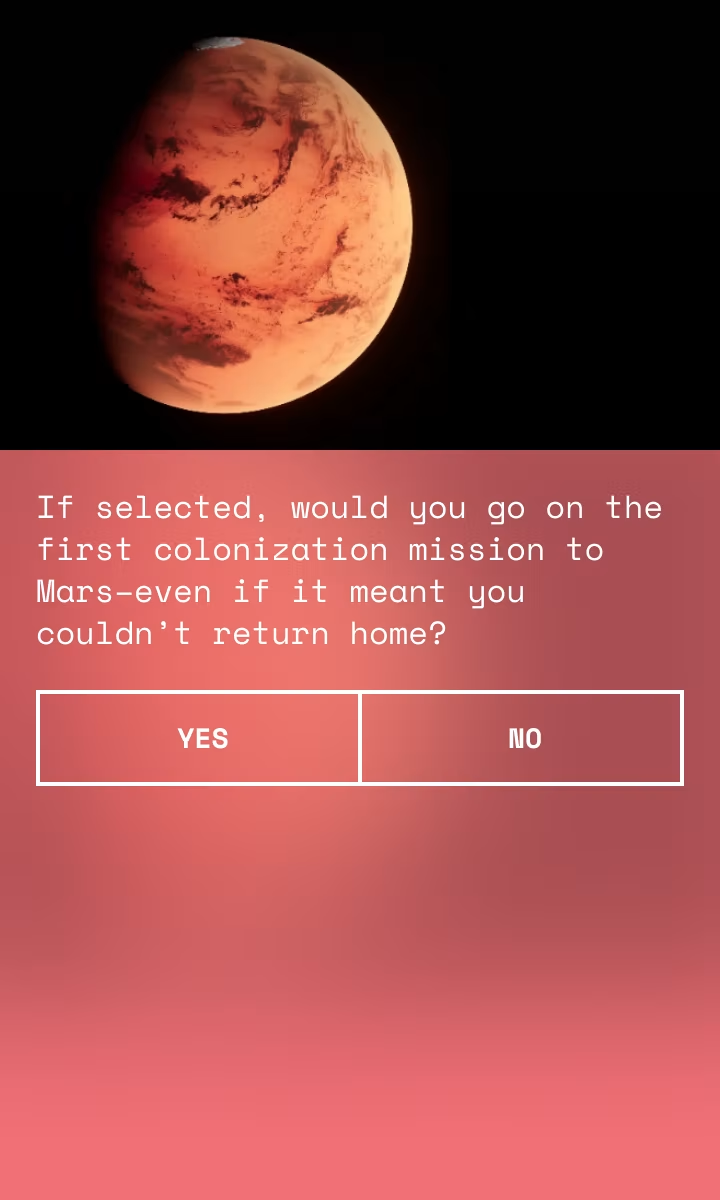
Product recommendations
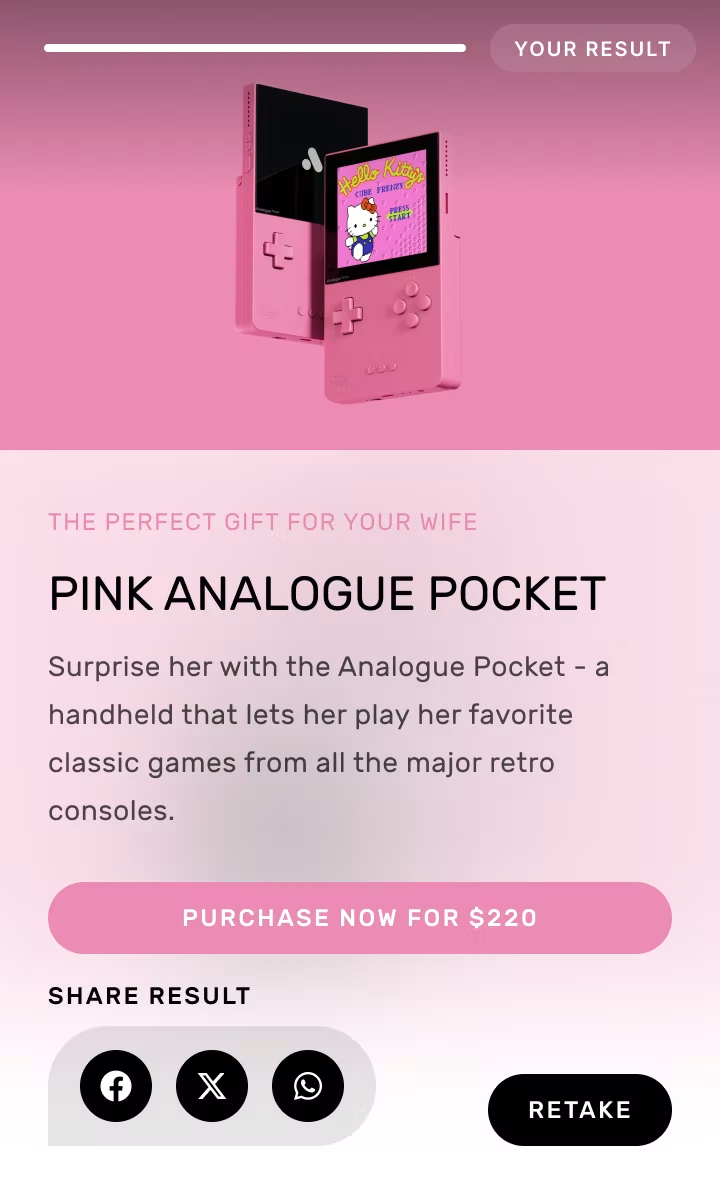
Competitions & raffles
Game predictors
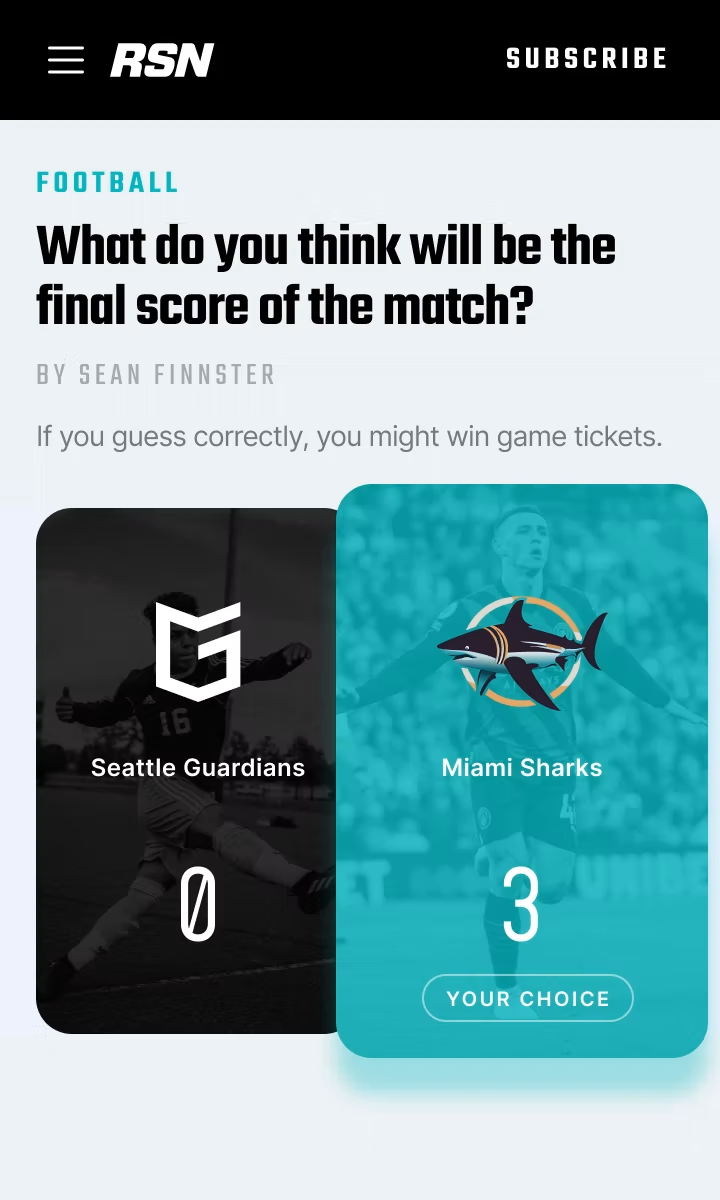
Leaderboards

Listicles

Personality Quizzes
Quizzes