

Create a poll or survey
Get your audience's opinions and feedback. Polls and surveys support 12 question types including single-select, multi-select, reaction poll, upvote, order it, swiper, Likert/matrix, promoter score, rate it, tier list, this or that, and question bank. Create from scratch, template, AI, URL, or file upload.
Ideas: Customer satisfaction surveys, NPS scoring, product feedback, audience voting, employee engagement surveys, tier rankings.
When to use a poll/survey: Choose this when there are no right or wrong answers – you want opinions, preferences, or feedback. If you need to test knowledge with correct answers, use a quiz. If you only need to collect structured data (name, email, address), use a form.
Get started
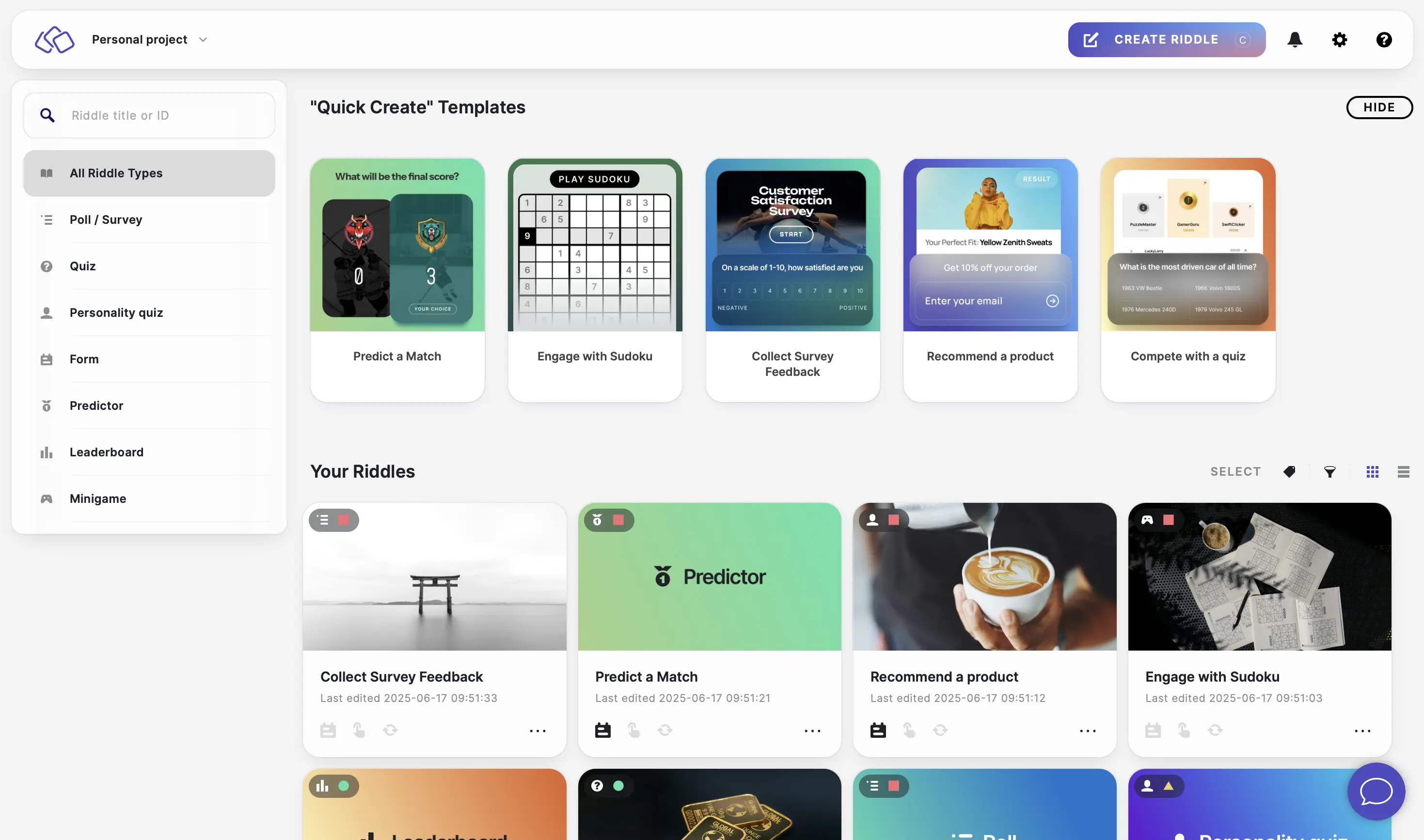
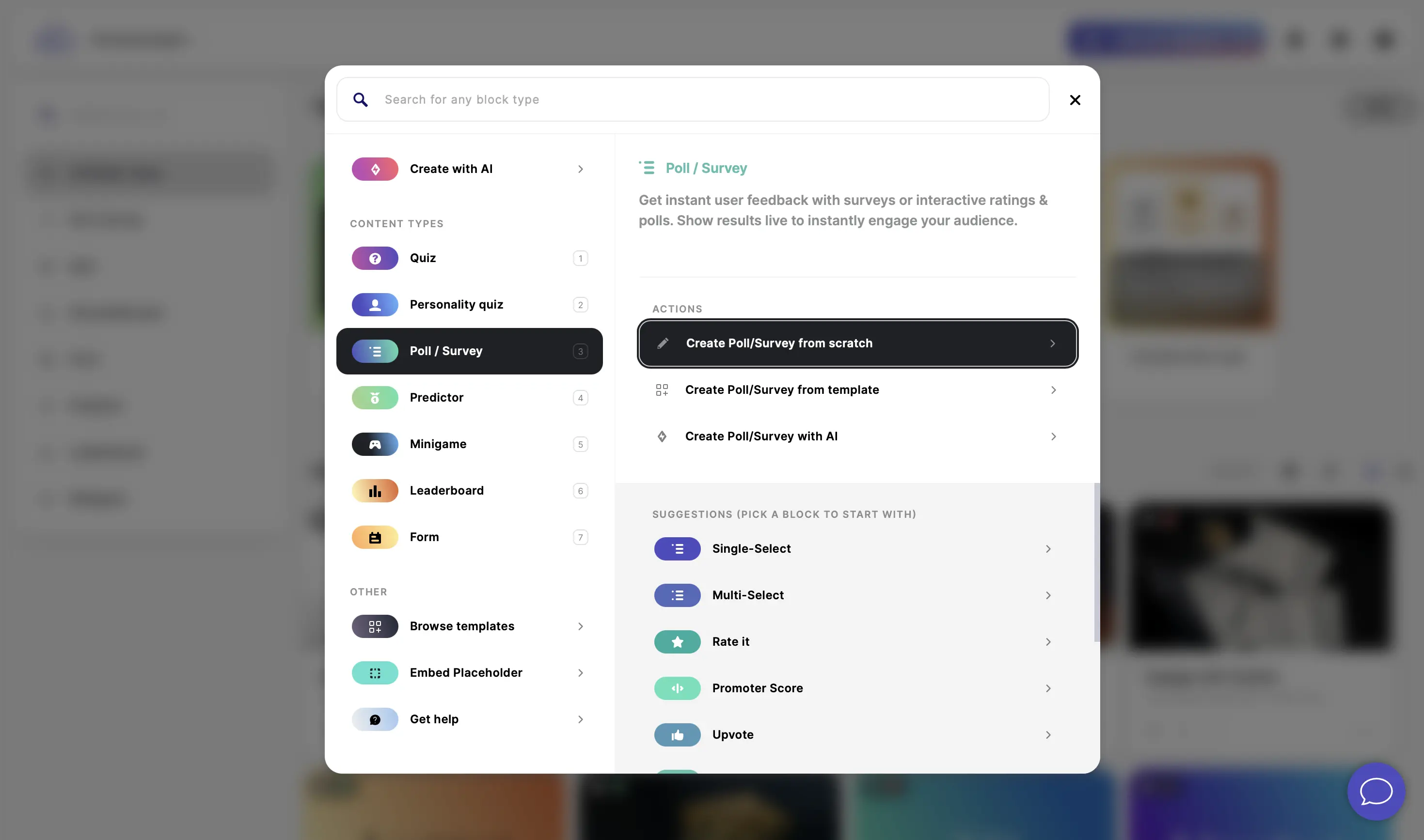
- In the Riddle Creator, click on CREATE RIDDLE, select Poll/Survey, and click on Create Poll/Survey from scratch.
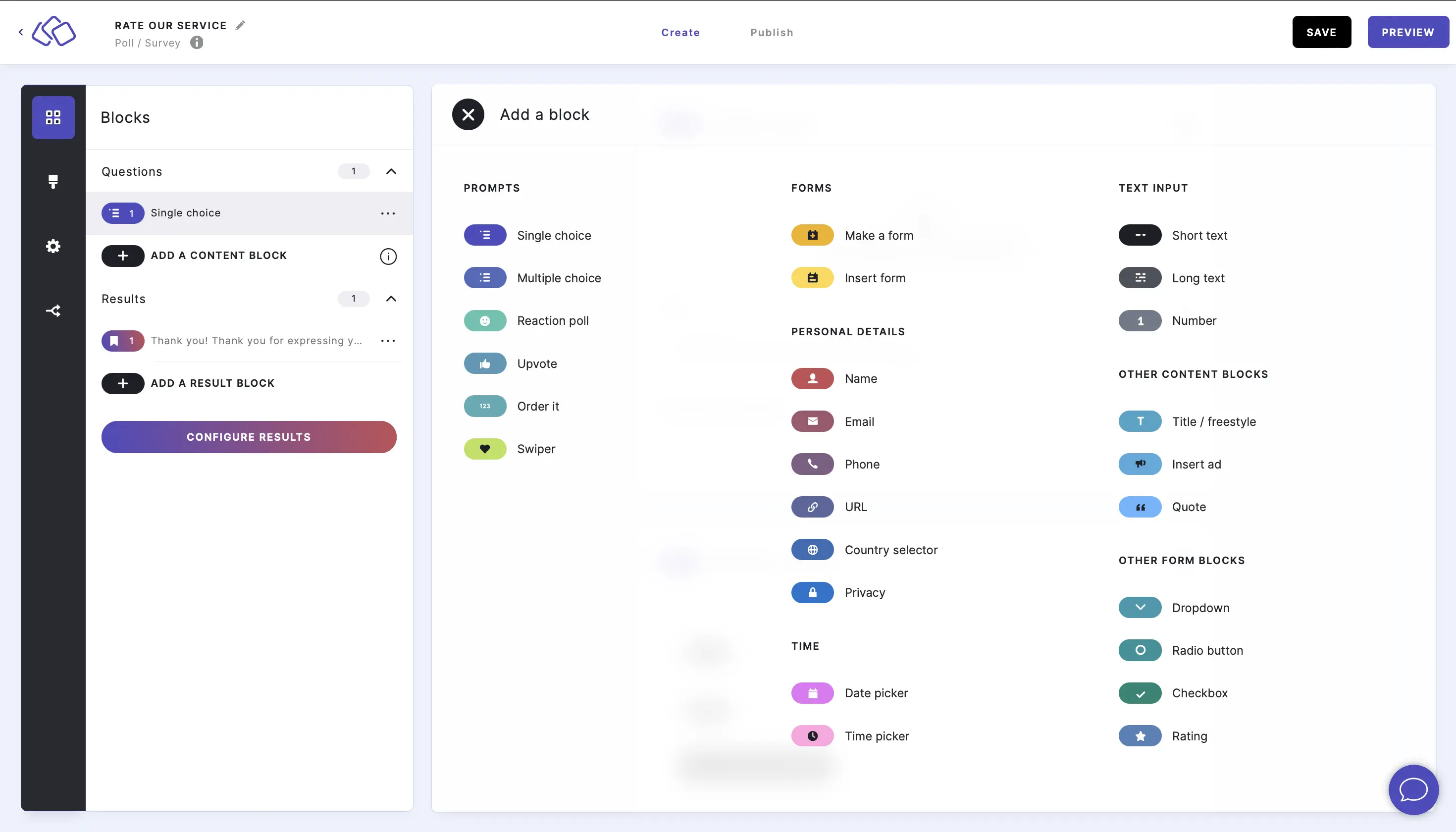
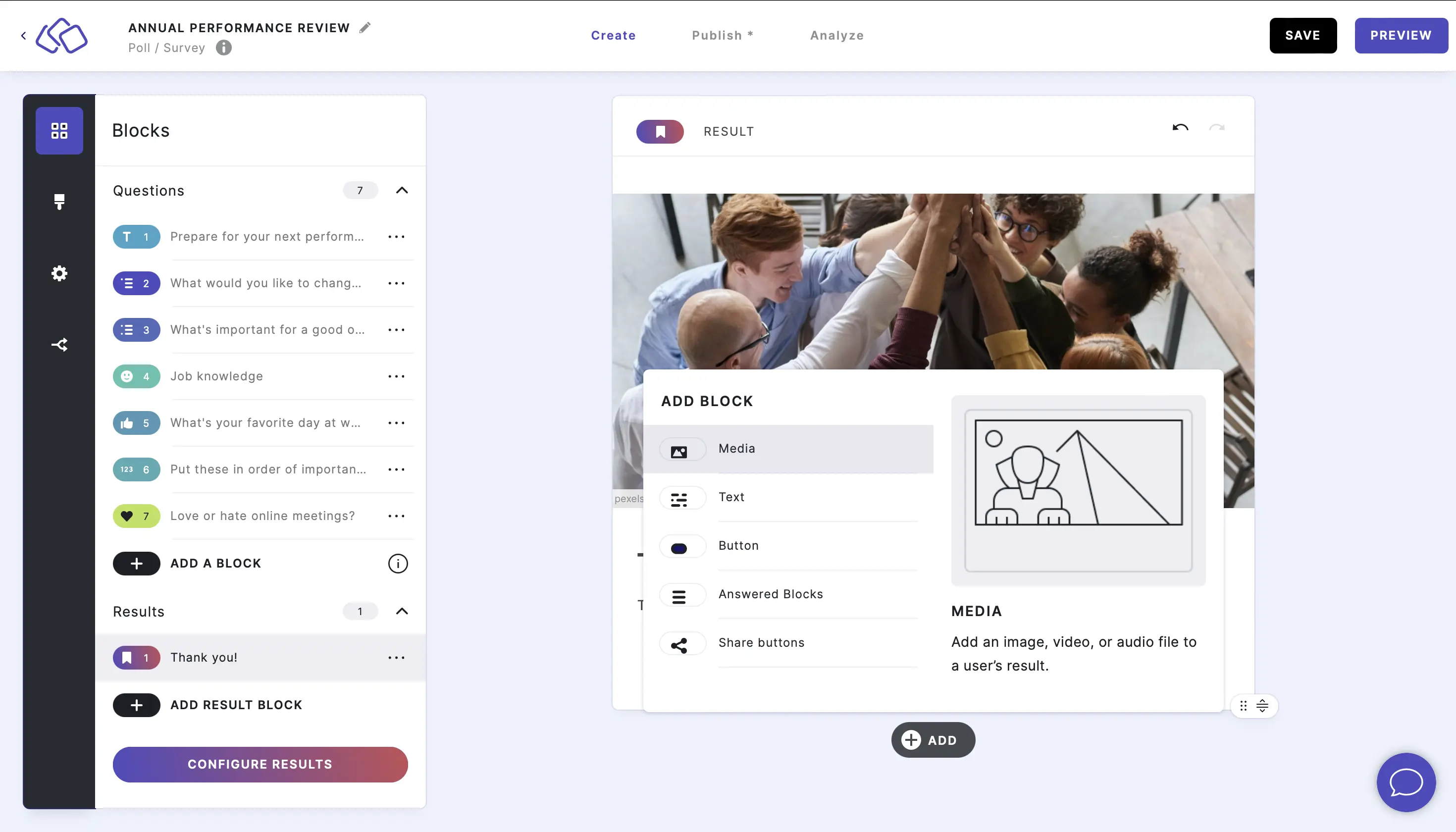
- Click on ADD A BLOCK and select a block from the Poll and survey blocks list.
- Complete your poll or survey using any combination of different blocks.
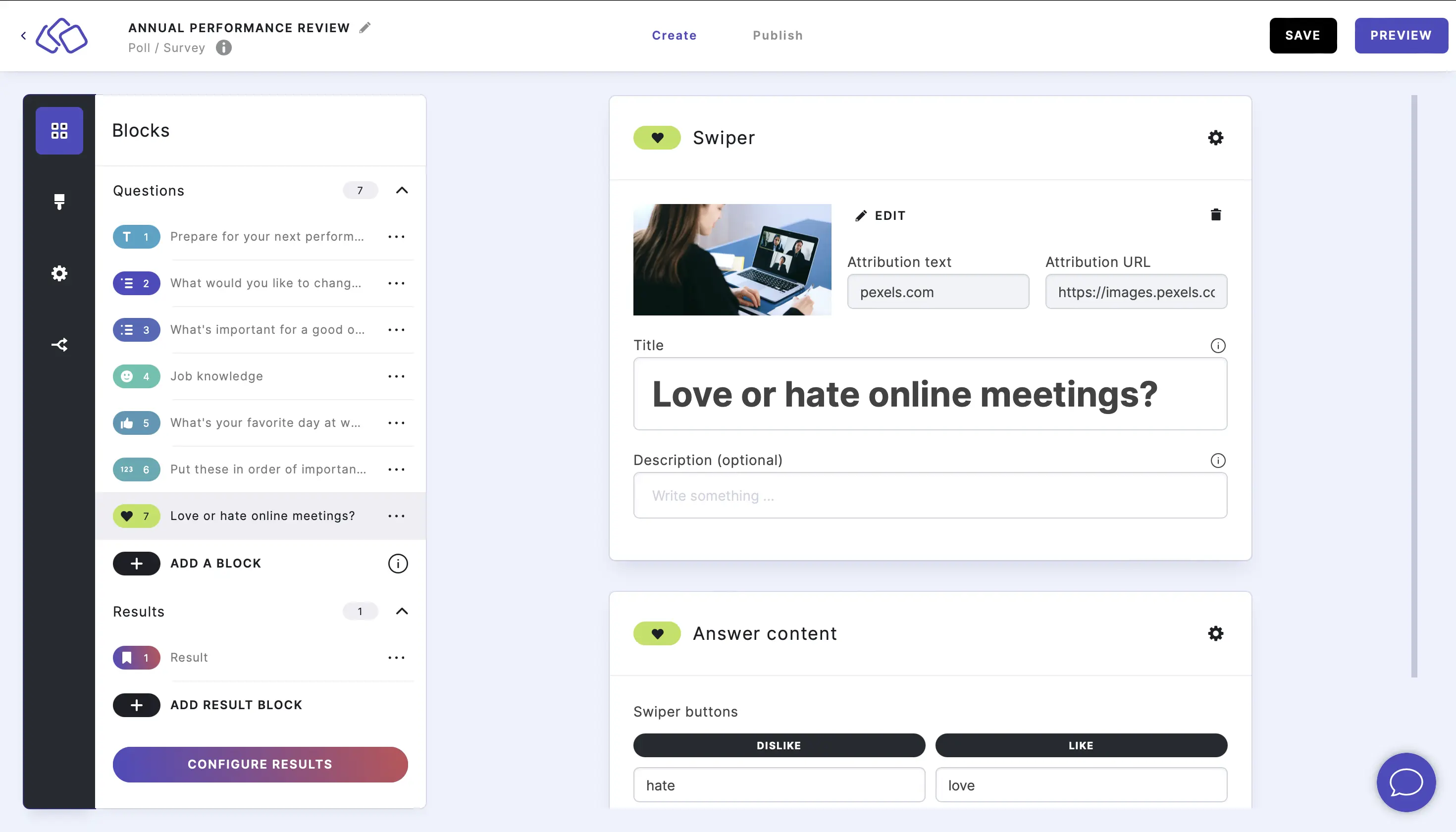
- Under Results, edit the result block(s). Go to the Result blocks help guide.
- Publish your poll or survey.
- Embed your poll or survey.