
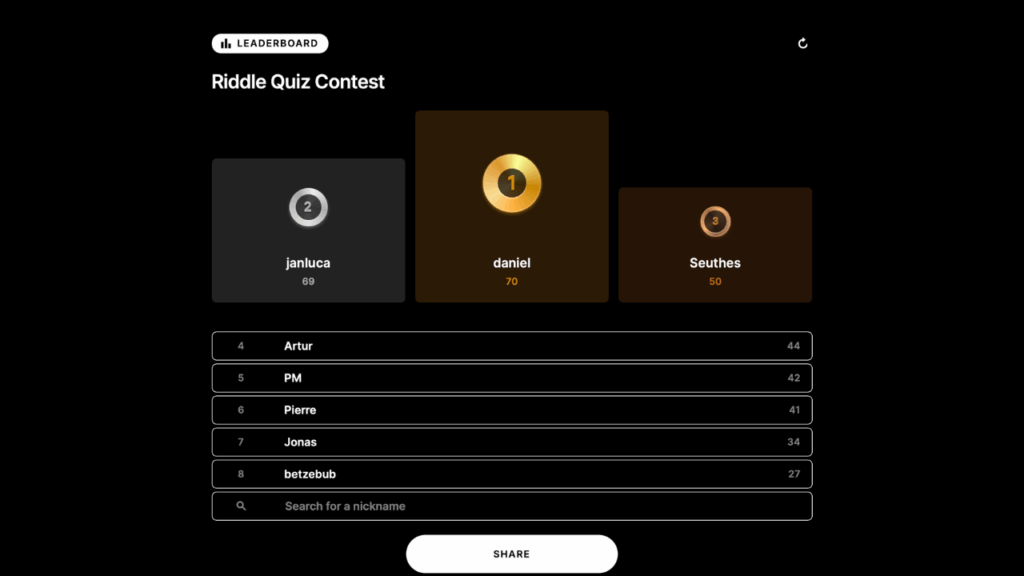
Leaderboard Expert
Boost user engagement by adding leaderboards to your quizzes, games, and score predictors. Learn how to spark competition, encourage repeat visits, and build lasting loyalty.
The quiz is the format Riddle is best known for. These free, self-paced Academy courses cover scored quizzes and trivia end to end - question types, correct-answer feedback, outcome ranges, timers and leaderboards - plus running a raffle or giveaway off the back of a quiz.
3 courses in Quiz, free and self-paced.
Boost user engagement by adding leaderboards to your quizzes, games, and score predictors. Learn how to spark competition, encourage repeat visits, and build lasting loyalty.
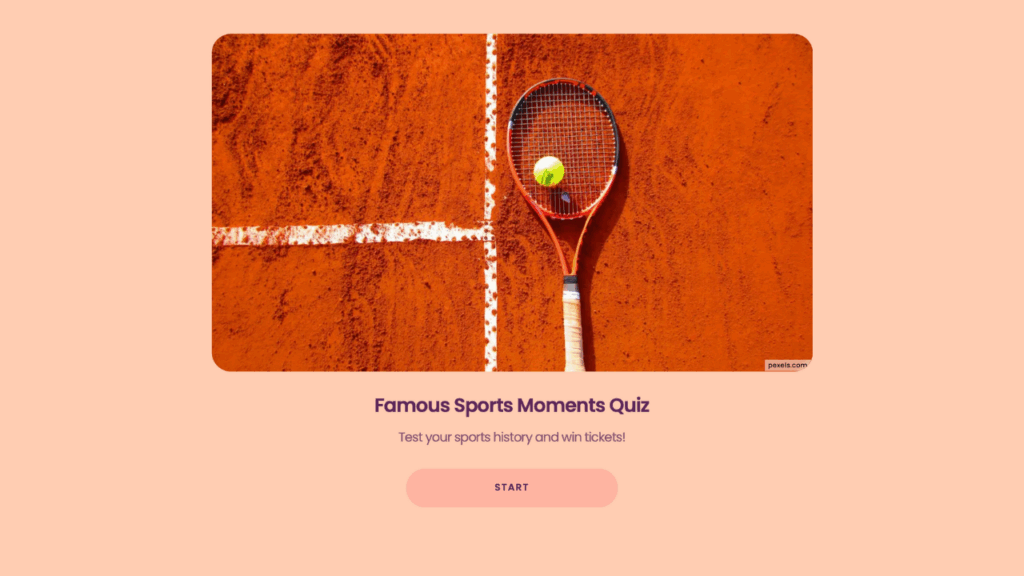
Turn your quizzes into lead-generating raffles. Learn how to run giveaways that drive engagement and grow your audience.
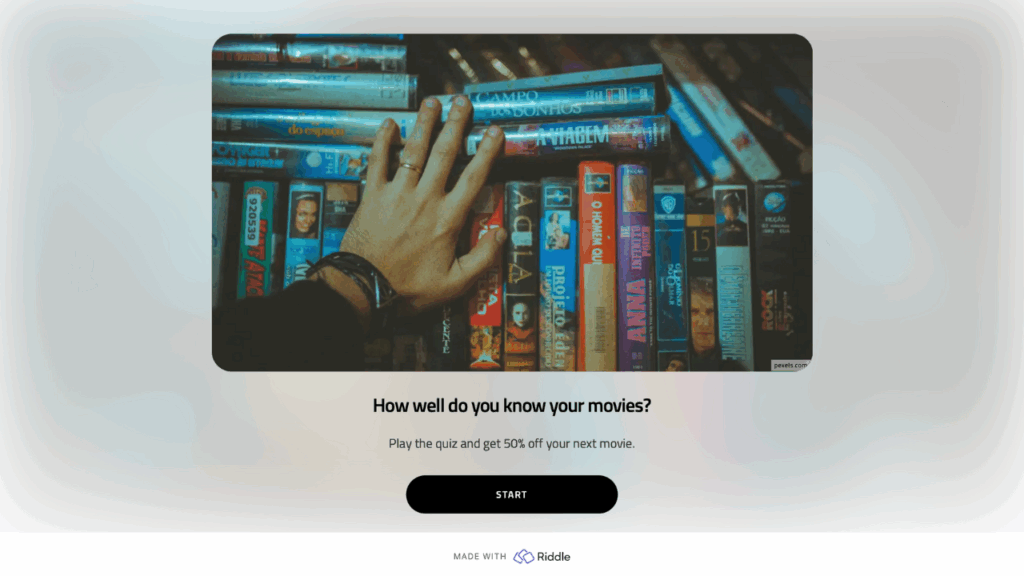
Make information – or your brand – unforgettable with interactive quizzes designed to spark engagement and go viral.
Create a new Riddle and choose the Quiz type, add your questions and mark the correct answers, write the outcome pages for each score range, style the quiz to match your brand, then publish and embed it or share the link. The Quiz Expert course covers each step, including feedback text, scoring and result pages.
Scored knowledge quizzes and trivia, timed challenges, image-based quizzes, assessments with banded outcomes, and competition quizzes with a leaderboard or a raffle attached. If you want a quiz that sorts people into types rather than scoring them, that is a personality test - see the Personality Test category.
Yes. Add a form step to collect entries, then use the raffle flow to draw a winner from the people who entered. The Crash Course on Riddle Raffle walks through the setup and the rules to get right before you launch.