
Quick Create

Quick Create

Quick Create courses are short, single-outcome workshops: one format, start to finish, in a sitting. These free, self-paced courses cover the interactive formats that are quick to produce but hard to find elsewhere - crossword puzzles, clickable interactive graphics, and embed placeholders that let you swap content on a live page without touching the code.

3 courses in Quick Create, free and self-paced.

Quick Create courses in Riddle Academy

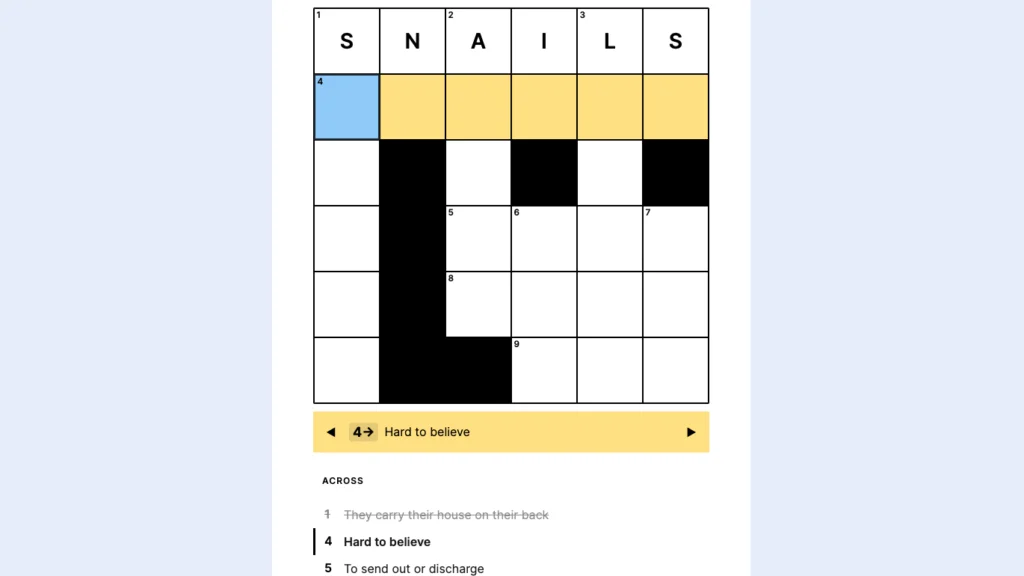
  • Quick Create: Crossword Puzzle 1 lesson — Crosswords have been challenging and entertaining people since 1913 — now it’s your turn to make one in just 3 minutes! In this quick course, I’ll show you how to build beautiful,…
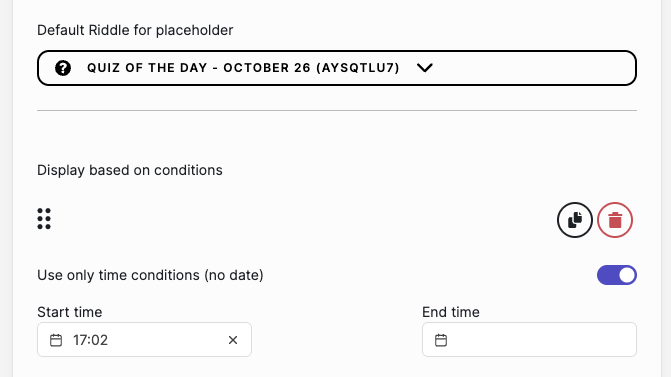
  • Quick Create: Embed Placeholder – content delivery automation 1 lesson — Automate your content delivery using the Riddle Embed Placeholder. Set conditions based on time of day or date ranges and deliver new content fully automated. A great solution to show a quiz…
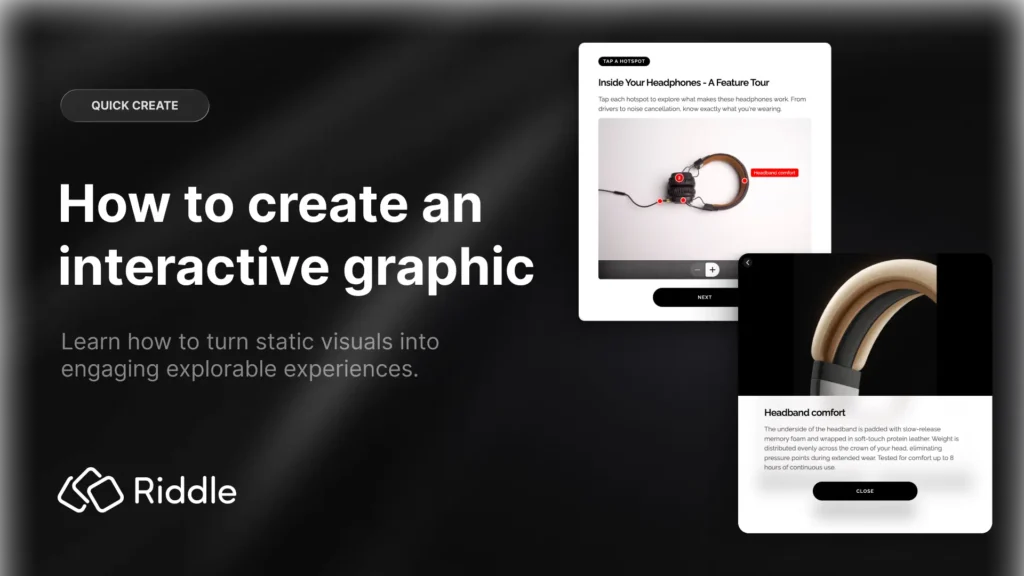
  • Quick Create: Interactive Graphic 1 lesson — A picture is worth a thousand words, but an interactive one is worth a whole lot more. With Interactive Graphics, you can turn any image into a clickable, explorable experience: add hotspots,…

What you will learn

  • Build a crossword puzzle, set the word list and clues, and control hints and reveals
  • Turn a static image into an interactive graphic with clickable hotspots and pop-up content
  • Use an embed placeholder so you can change what a live page shows without editing the page
  • Automate content delivery by swapping the Riddle behind a placeholder on a schedule
  • Style each format with your own colours, fonts and imagery
  • Embed the finished piece in WordPress, a CMS, a newsletter, or share it as a link

Questions about Quick Create on Riddle

What is Quick Create in Riddle?

Quick Create is the set of Riddle formats you can build in one short sitting rather than as a full project - a crossword, an interactive graphic, an embed placeholder. The Academy Quick Create courses mirror that: each one is a focused workshop covering a single format from blank editor to embedded on your page.

What is an embed placeholder used for?

An embed placeholder is a stable embed you place once on a page, then point at whichever Riddle you want it to show. Because the page holds the placeholder rather than a specific quiz, you can rotate a daily puzzle, swap a seasonal poll, or schedule content changes without ever editing the page again - which is how the content delivery automation course uses it.

How long do these courses take?

Each Quick Create course is designed to be completed in a single session and is free and self-paced, so you can follow along in the Riddle editor as you watch.
Other course categories

Browse all Riddle Academy courses

Scroll to Top