
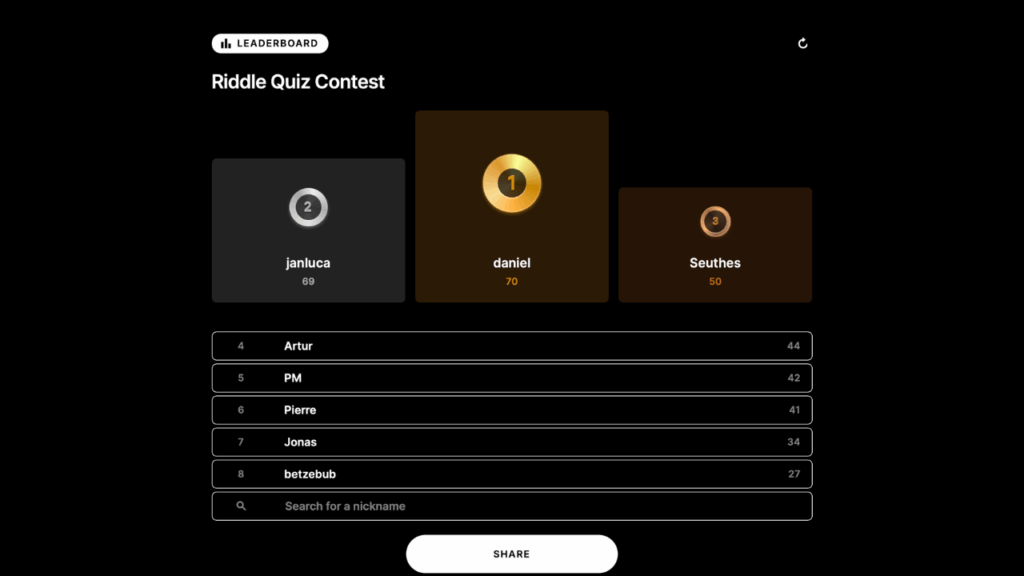
Leaderboard Expert
Boost user engagement by adding leaderboards to your quizzes, games, and score predictors. Learn how to spark competition, encourage repeat visits, and build lasting loyalty.
Predictors let an audience forecast a result - a match score, an award winner, a launch date - and come back later to see how they did. These free, self-paced Academy courses cover setting up a predictor, locking entries before the event, scoring the outcome, and adding a leaderboard so people compete and return.
2 courses in Predictor, free and self-paced.
Boost user engagement by adding leaderboards to your quizzes, games, and score predictors. Learn how to spark competition, encourage repeat visits, and build lasting loyalty.
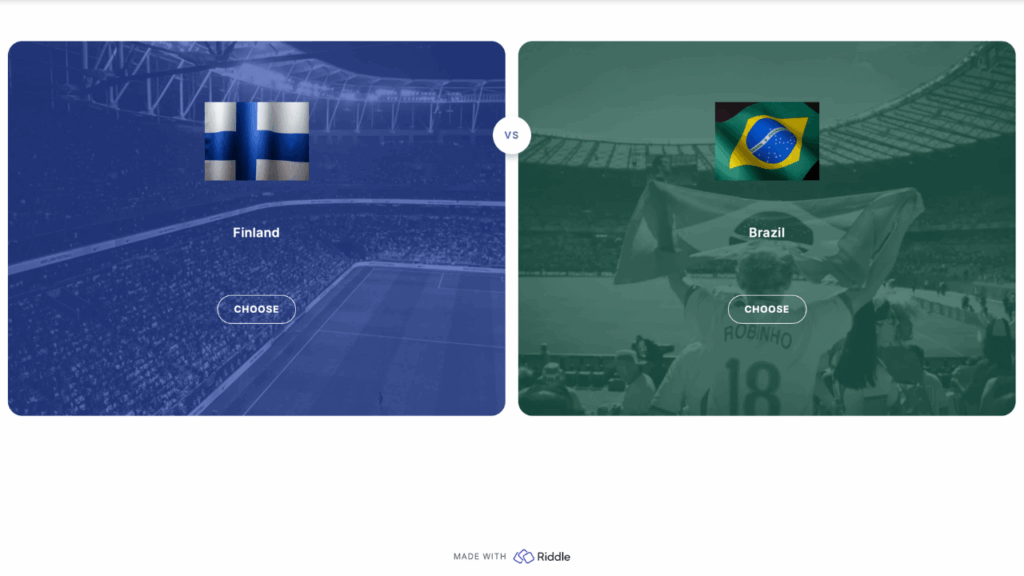
Fuel user excitement with Predictors. Learn how to build loyalty and boost conversions while your audience guess outcomes on trends, events, and results.
A predictor is an interactive form of prediction game: your audience forecasts an outcome - a football score, an election result, a product launch date - before it happens, entries lock at a deadline, and once you enter the real result Riddle scores everyone automatically. Pair it with a leaderboard and you get a returning audience rather than a one-off visit.
Turn the leaderboard on in the results step of your Riddle, decide what identifies a player (a name field, an email, or a form step), and choose whether ranking is by score, by time, or by score then time. The Leaderboard Expert course covers display options, resetting a leaderboard between rounds, and embedding the leaderboard separately from the quiz.
Yes. Set a close date and time on the predictor and no further entries are accepted after it passes, which is what keeps a prediction game fair once the outcome is public.